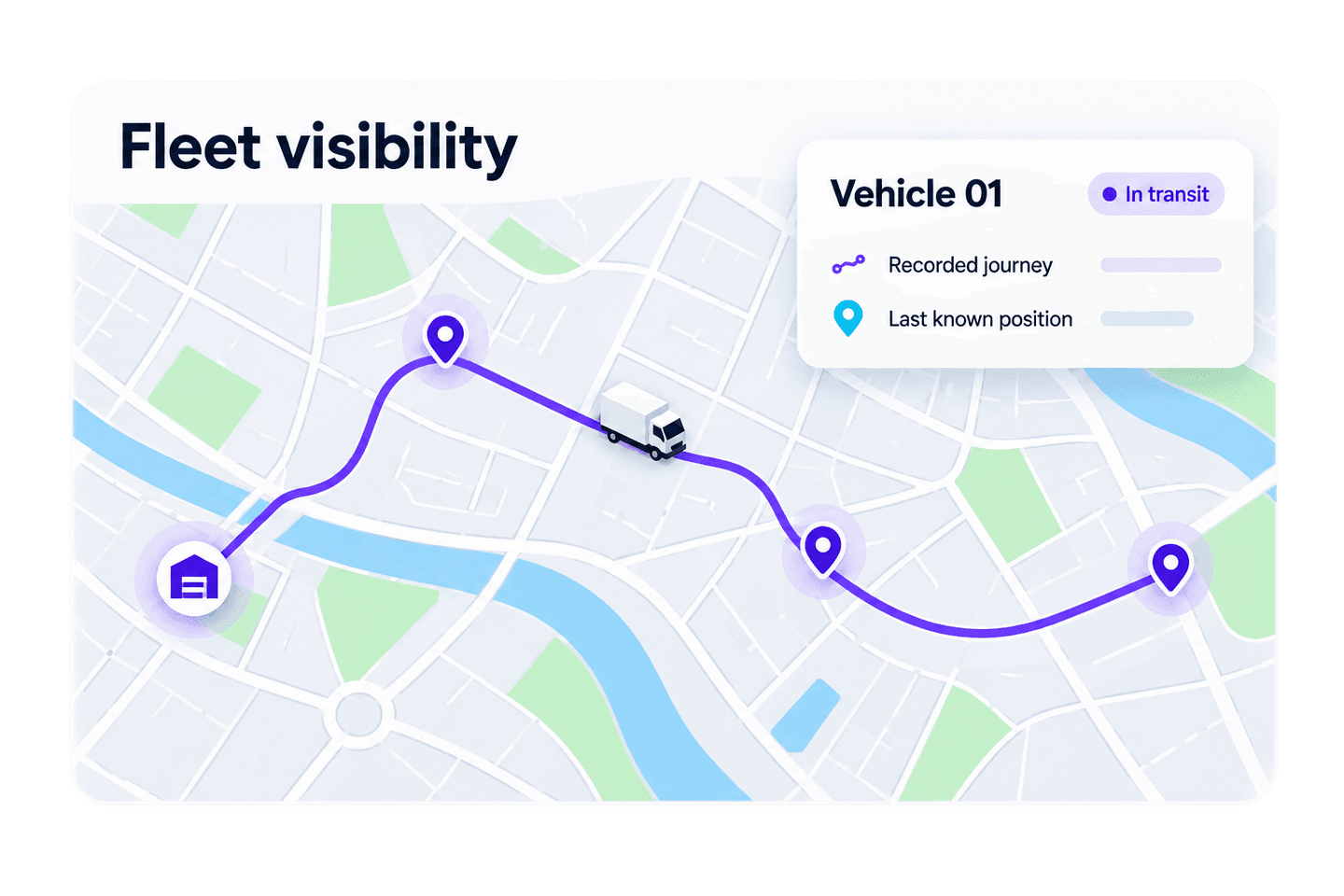
Track vehicle location
Check vehicle positions and recorded journeys to understand delays and follow up with your team.
Tracking availability and freshness depend on your connected provider.
Explore fleet trackingTransport & delivery management software
Spaces connects shipment planning, driver assignments, vehicle tracking and delivery documents. Give your office and drivers a shared record of the work, from dispatch to delivery-note review.
For South African transport operators, distributors, couriers, retail delivery teams and fuel depots.



Our solution
Built around your team
Bring vehicles, drivers and locations into one workspace as your operation grows. Organise responsibilities with role-based access.
Keep the work connected
Plan runs, assign drivers and vehicles, and keep shipment documents together—from dispatch to delivery-note review.
Know what needs attention
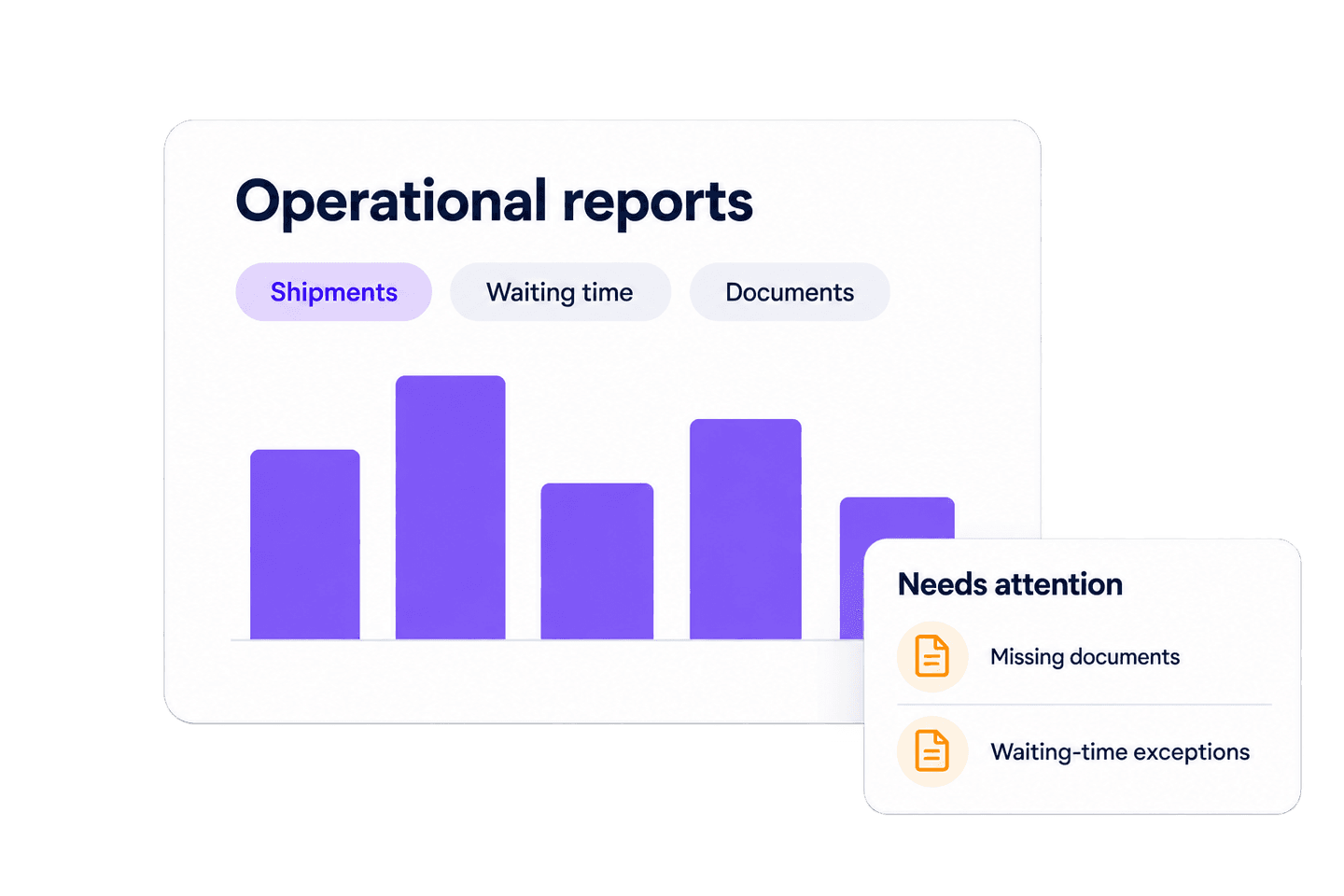
Review shipment activity, waiting time, speeding and document coverage. Find exceptions that need your team’s follow-up.
Operations
Assign the work, follow the journey, collect delivery documents and review exceptions. See how each step connects in Spaces.
Organise the work before it leaves the depot.
Review operational progress alongside available tracking data.
Connect driver uploads and office review to the shipment record.
Review reports to decide which shipments, stops or records need attention.
Inside the platform
Explore the workflows your team can use from planning through to document review and reporting.
01 / Plan & dispatch
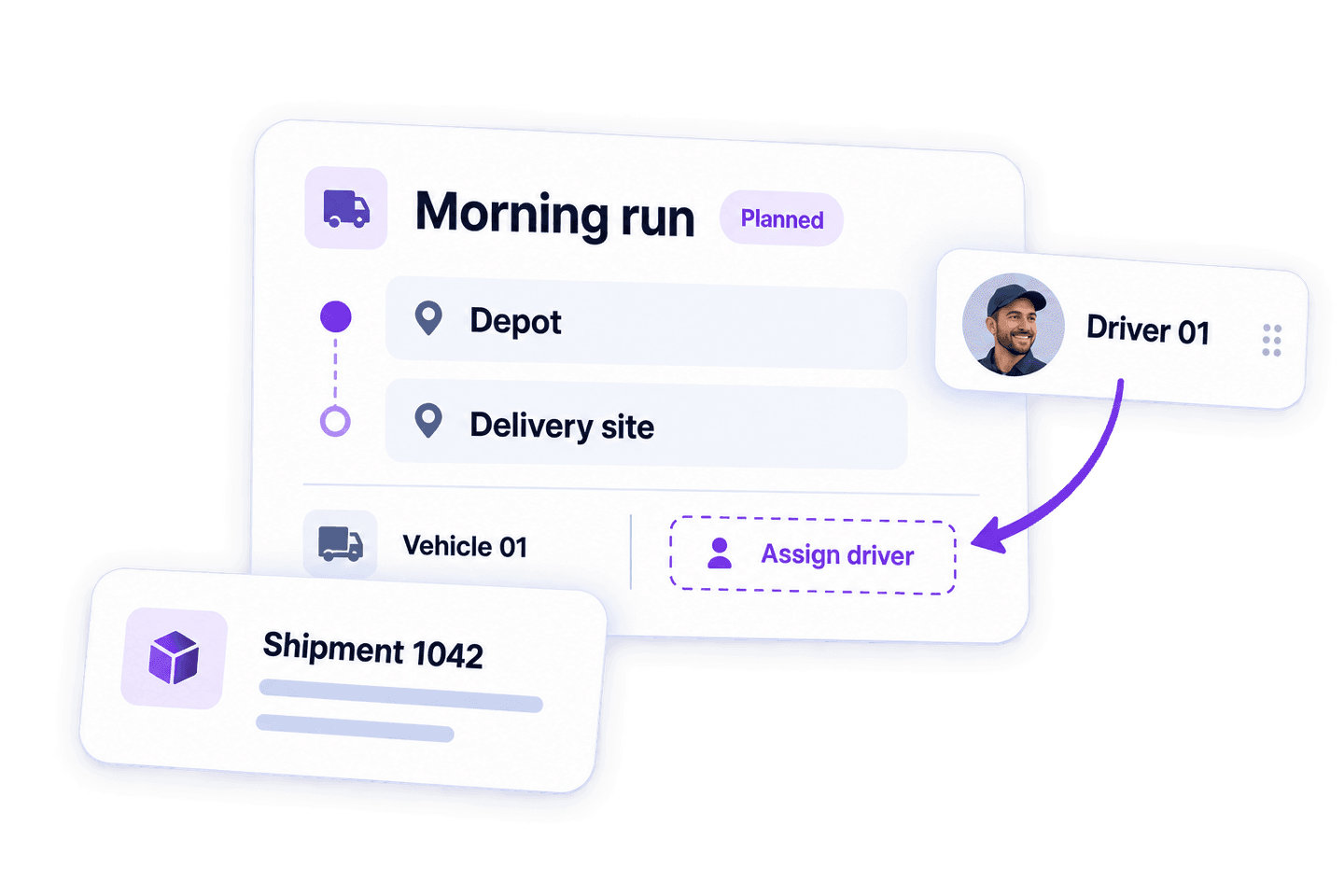
Build each run around its shipments, stops, driver and vehicle. Review assignments in one scheduling workspace so dispatchers can see what is planned and what still needs attention.
See assigned runs and shipments waiting for dispatch.
Keep collection and delivery stops with each run.
Review run status before making the next assignment.
Route planning helps you review the intended journey and stop order.
Execution
Check vehicle positions and recorded journeys to understand delays and follow up with your team.
Tracking availability and freshness depend on your connected provider.
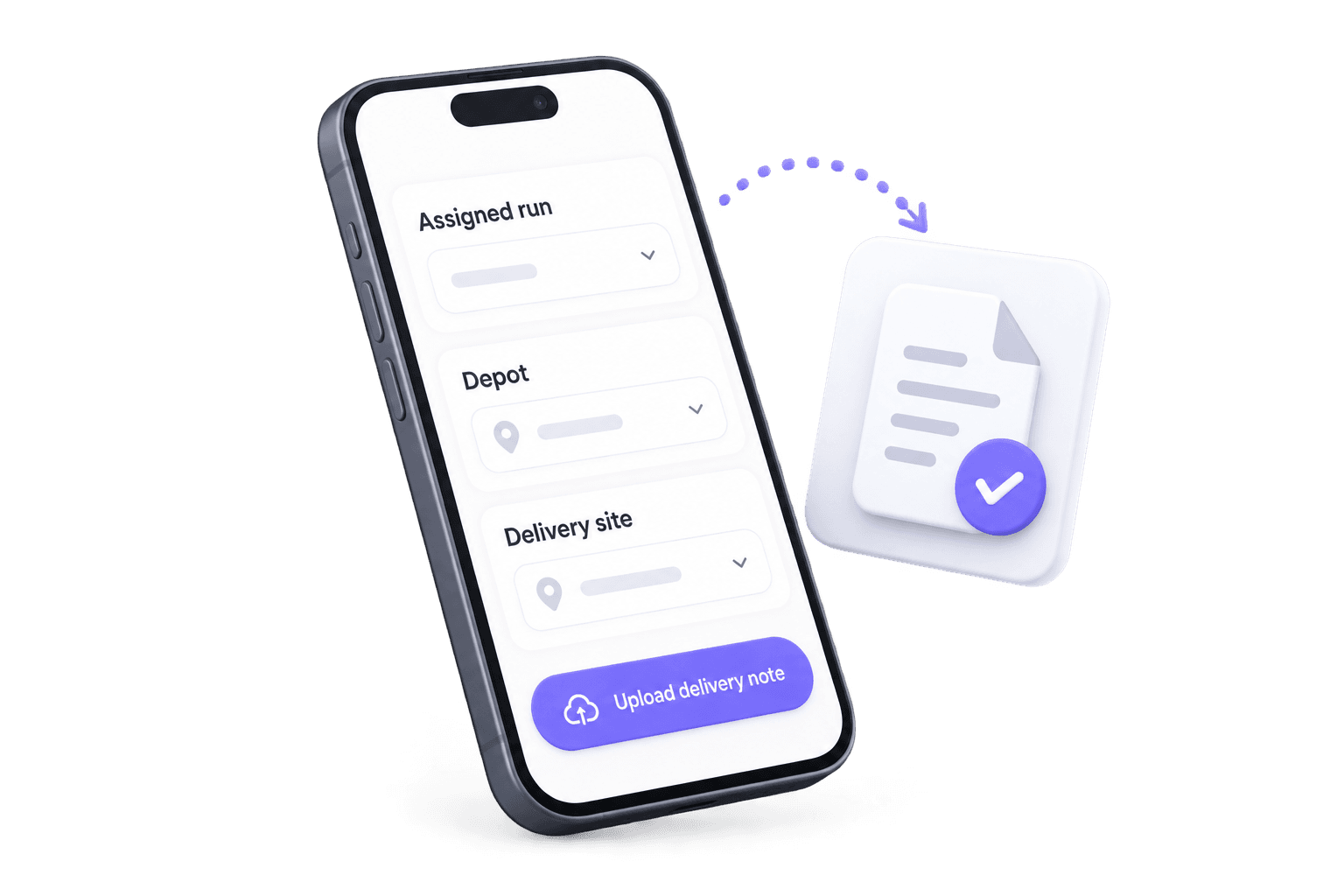
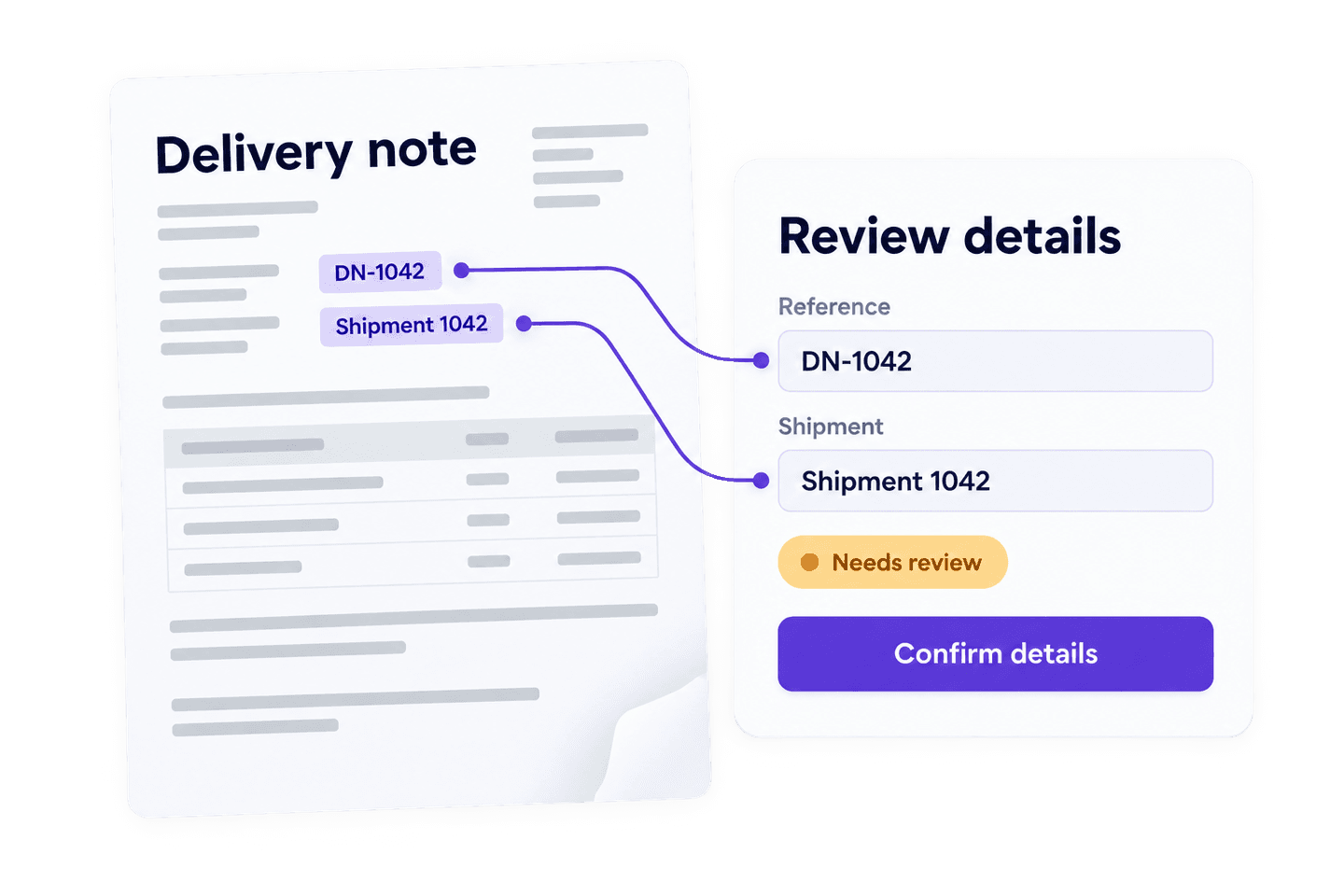
Explore fleet trackingDrivers upload delivery notes. Your team reviews the details and links each document to the right shipment.
Uploaded documents remain available for review and follow-up.
Explore delivery documentsOversight & connections
04 / Review & improve
Review shipment records, time spent at locations and vehicle activity. Use document and operational reports to identify what needs follow-up.
Find missing delivery notes and records nearing expiry.
Review waiting time, stop analysis and speeding reports.
Check shipment activity and daily vehicle records.
05 / Connect your systems
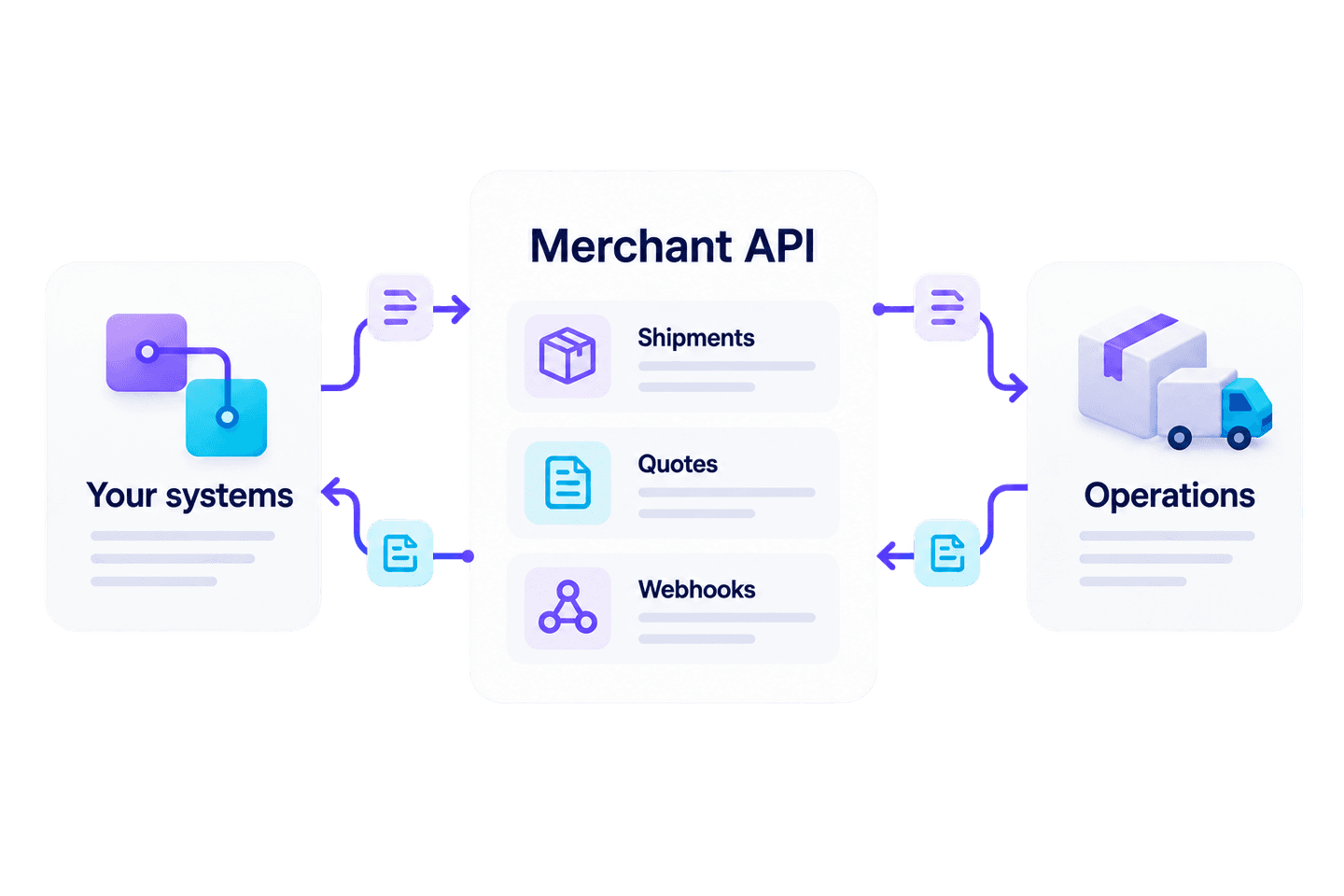
Bring tracking data into Spaces through supported provider connections. Use the documented API to build integrations around shipment, quote and booking records.
Explore integrations & API →Tools for your team
Dispatchers
Assign shipments to runs, choose drivers and vehicles, and check which work still needs an assignment.
Drivers
Open assigned runs and shipment details on mobile, then upload delivery notes for review.
Administrators & managers
Manage user access and operational settings. Review shipment, vehicle and document reports to identify follow-up work.
Industries we serve

Assign drivers and vehicles to freight runs, review recorded journeys and keep delivery notes with each shipment.

Organise depot shipments into delivery runs and give the office a place to review customer delivery documents.

Keep daily run assignments, driver uploads and shipment records together so dispatch can follow up on missing information.
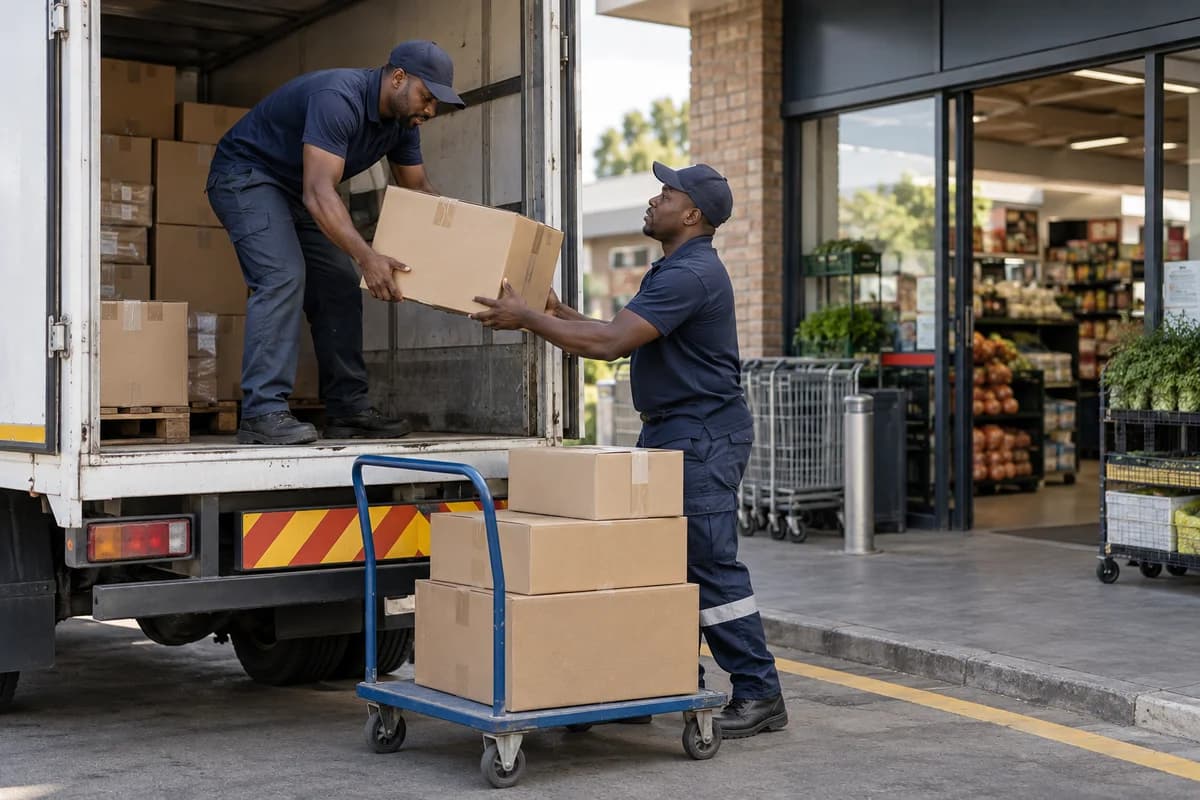
Plan store and customer deliveries, assign vehicles and review the delivery records returned by drivers.

Coordinate tanker runs, review connected vehicle journeys and organise delivery documents for depot follow-up.
Security & access
Use role-based permissions and organisation access restrictions to control who can work with your records. Review security requirements with our team before rollout.
Discuss security with us →User roles control access to administrative functions. Organisation restrictions limit which business records each user can access.
Passwords are stored as hashes, and integration settings are encrypted in storage.
Support tickets and attachments require sign-in and access to the relevant organisation. They are not part of the public help centre.
Insights & guides

Article
Build a practical document-review routine that connects delivery paperwork to the right shipment.
Read more →
Article
Separate queueing, loading and delivery delays before deciding what to change.
Read more →
Article
A practical sequence for preparing shipments, assigning runs and handing over exceptions.
Read more →Frequently asked questions
Find out how tracking connections, driver workflows, subscriptions and support work in Spaces.
View all FAQs →Manage shipments, plan runs, assign drivers and vehicles, review connected tracking data and keep delivery documents with each shipment. Reports help your team follow up on missing records and operational exceptions.
Spaces has MiX/Powerfleet and Fleetboard connection options. Our team will confirm whether your provider account supplies the required access and data. Vehicle positions and journey history depend on that connection.
Spaces supports route planning and reviewing stop order. Automatic route optimisation is not currently a verified capability. Bring a typical run to your demo to see the planning tools available.
Drivers can view their assigned runs and shipments, upload delivery notes and review extracted shipment details before confirming them. The mobile workflow requires the appropriate device permissions and connectivity.
Spaces is a paid subscription service. Contact the team to discuss your fleet size, operational requirements and subscription options.
Browse the FAQs and available support guides. Customer users with web-admin access can sign in to create and follow private tickets for their organisation. Driver accounts cannot create tickets.
Bring your workflow. Explore how Spaces connects your planning, drivers and delivery documents in a 30-minute demo.
Book a demo