Courier operations
Keep dispatch, drivers and delivery records in step.
Bring courier shipment assignments, connected vehicle visibility and delivery-note uploads into one operational workflow. Give your team a clearer place to start when a delivery needs attention.
A clearer way to work
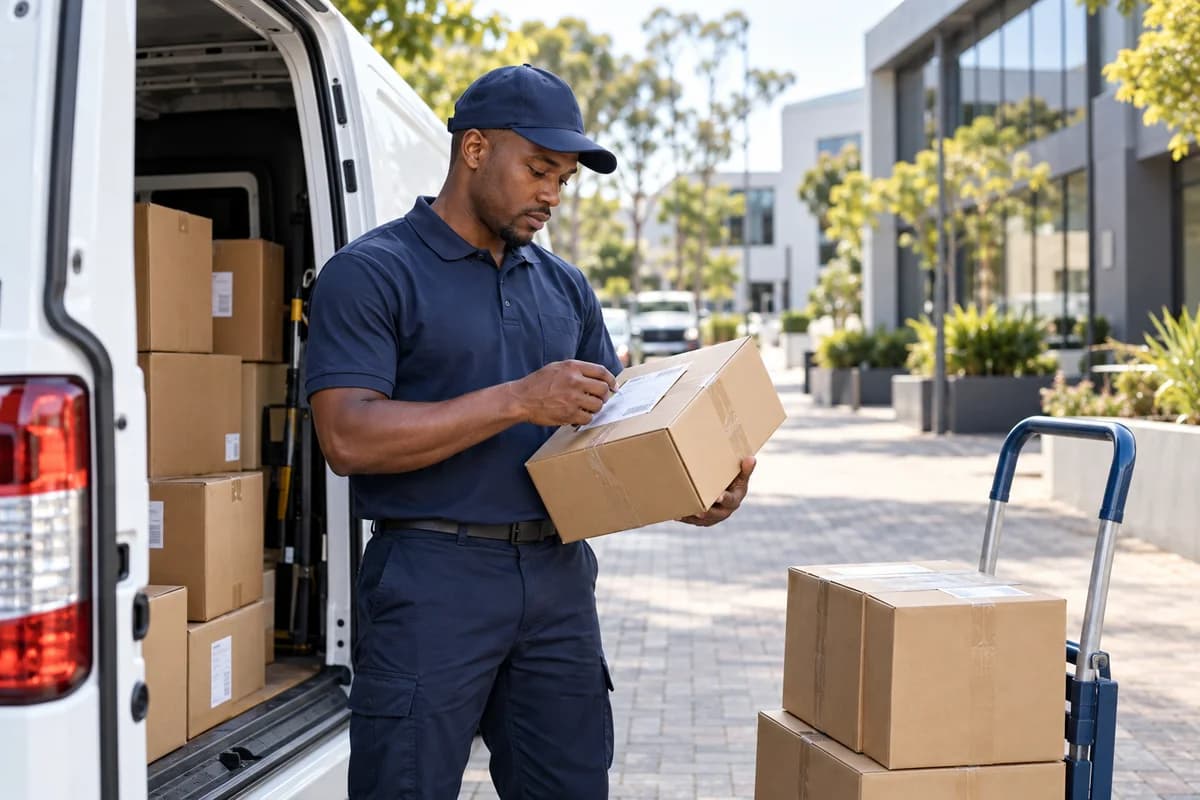
A busy dispatch desk needs connected information.
When assignments and delivery records are scattered across separate channels, the office has to reconstruct the story. Spaces connects existing run, driver and document workflows around the shipment.
Shared assignments
Keep shipment and run planning together.
Field-to-office records
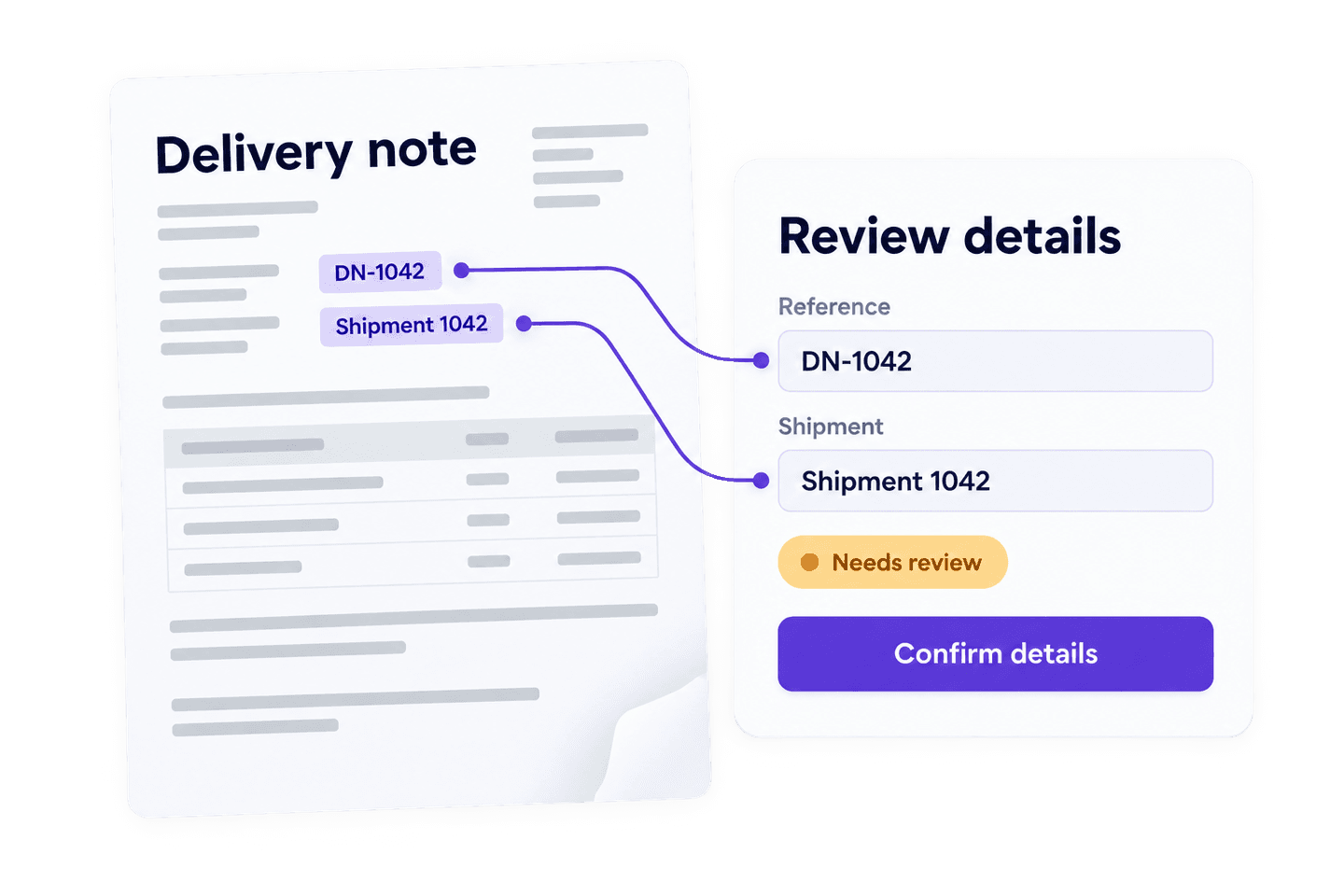
Bring driver delivery-note uploads into review.
Journey context
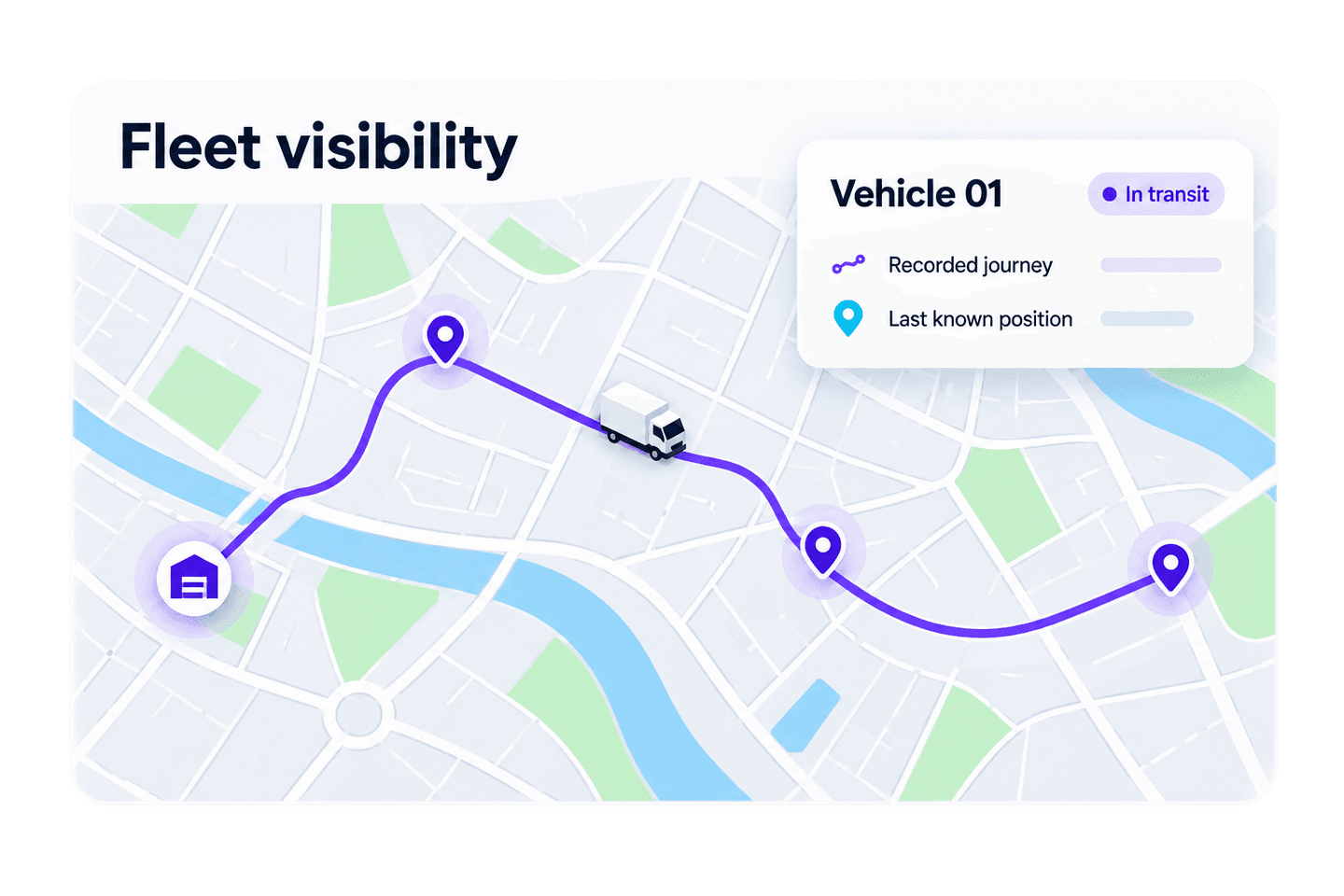
Use available tracking to investigate exceptions.
Courier operations / 01
Coordinate the work before dispatch.
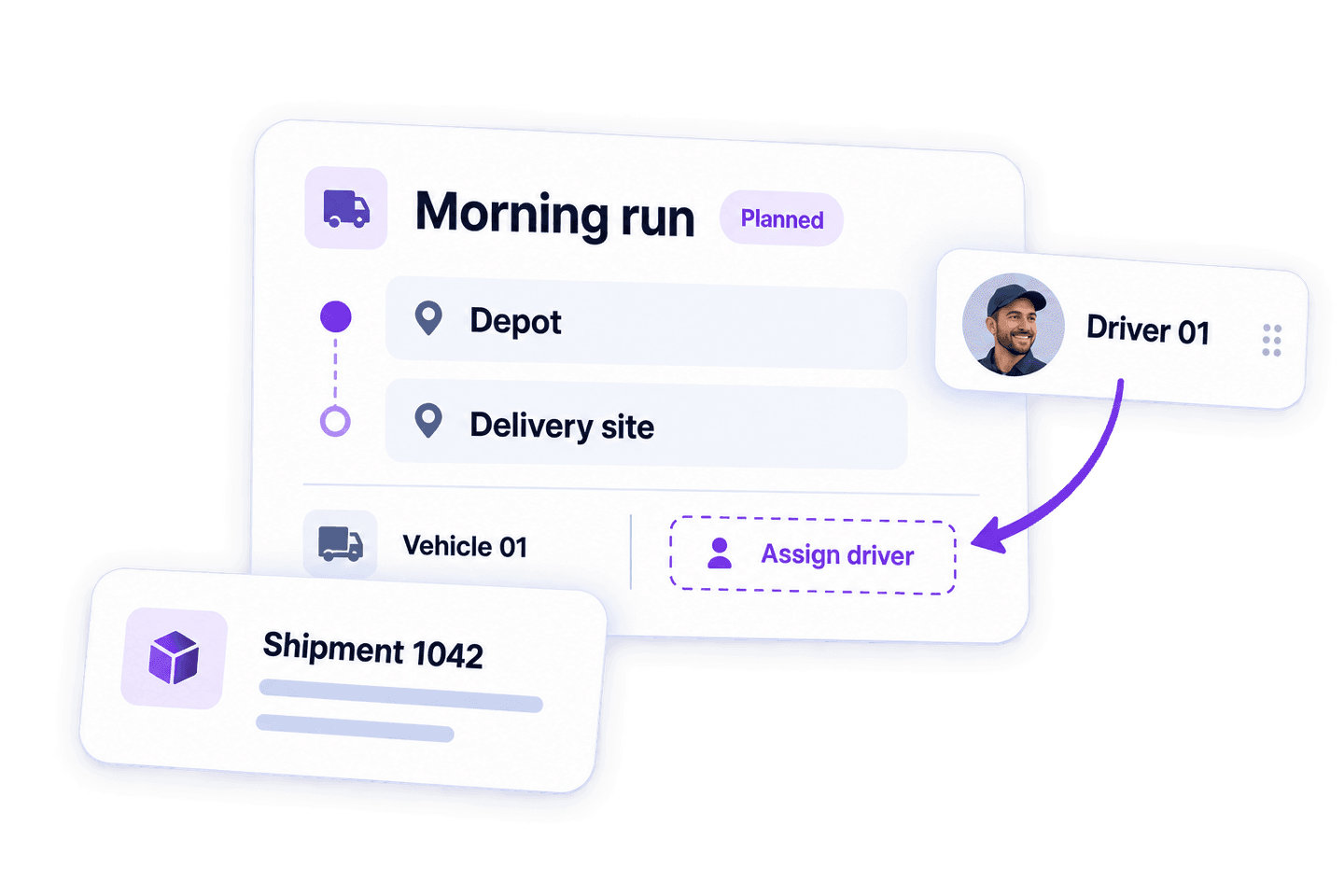
Associate shipments with runs and review the assigned resources. A shared schedule gives dispatchers a consistent place to organise the operational day.
- Shipment-to-run planning
- Driver and vehicle assignments
- Operational schedules
Courier operations / 02
Connect drivers to their assigned work.
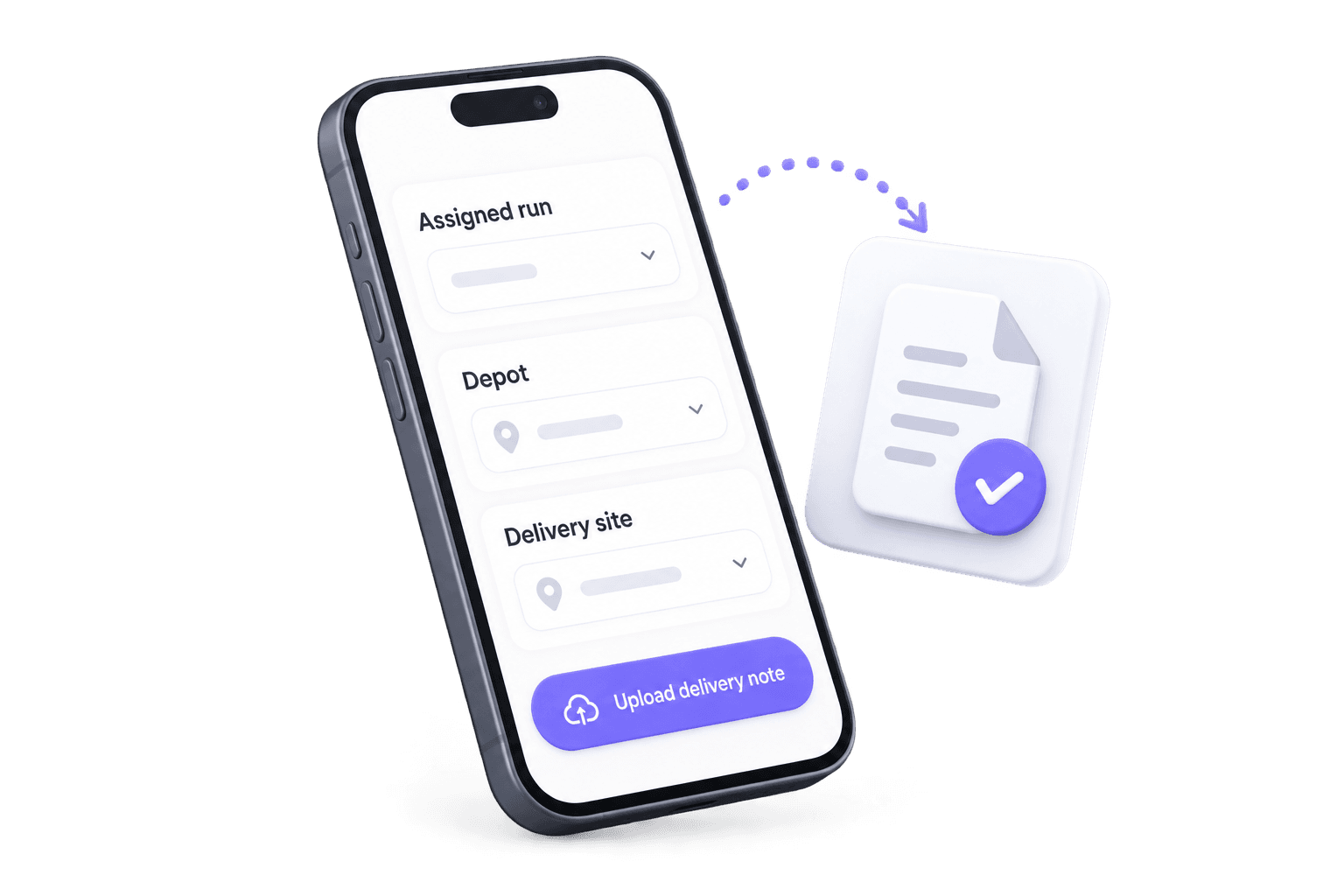
Drivers access assigned runs and upload delivery notes through the mobile workflow. The office can then review documents and their shipment association.
- Assigned runs
- Delivery-note capture
- Office review workflow
Courier operations / 03
Follow up with evidence from the operation.
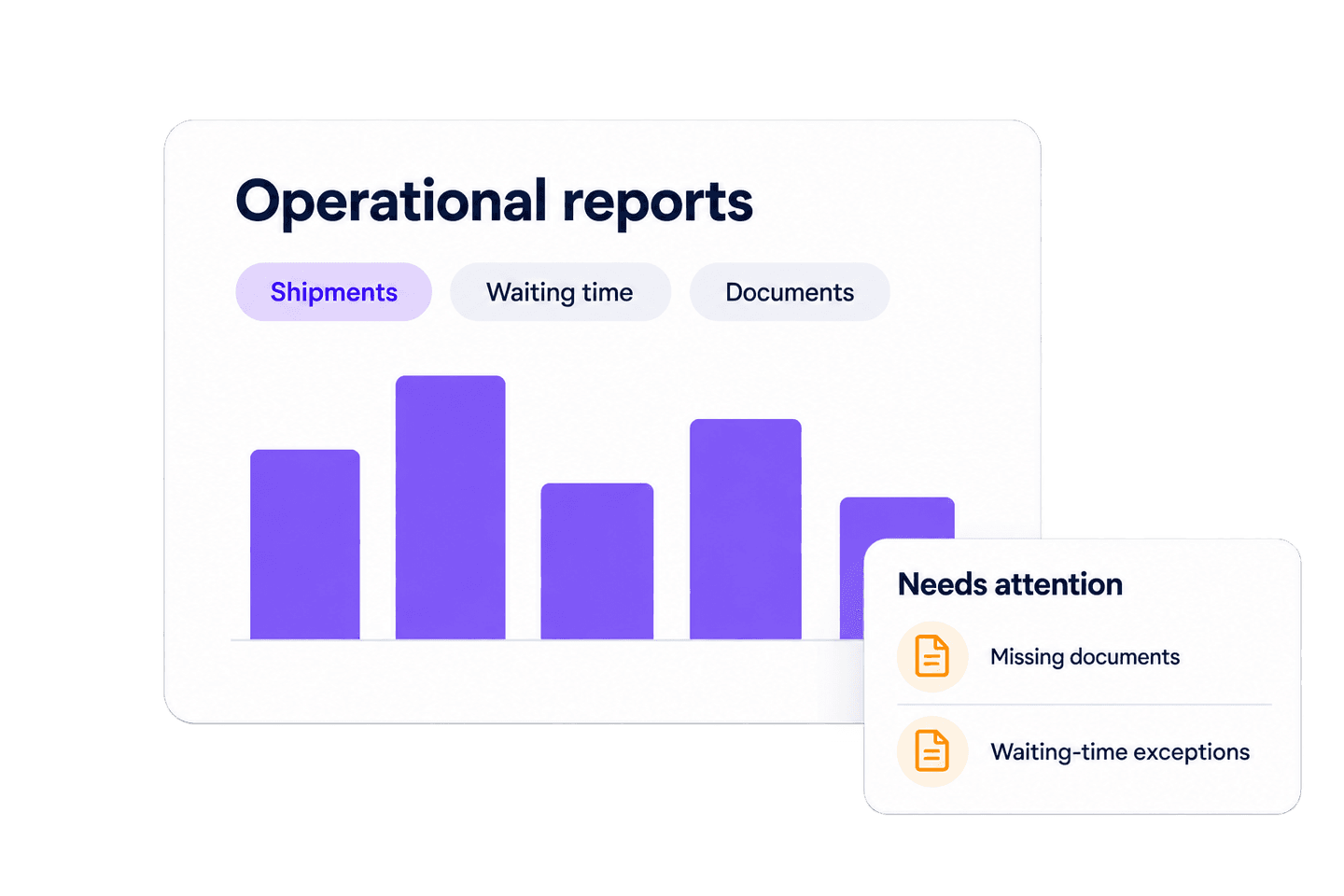
Use recorded journeys, available waiting-time data and document reports to investigate a delivery exception. Provider coverage and record completeness affect what is available to review.
- Recorded journey context
- Document coverage
- Operational exception review
From first step to follow-up
How the workflow connects.
Explore these steps with your own operating process in a guided demo.
- 01
Assign the shipments
Organise the work into runs.
- 02
Connect the driver
Make assigned work part of the mobile workflow.
- 03
Review exceptions
Use journeys and documents to guide follow-up.
Do you provide customer tracking links or predicted ETAs?
Those capabilities are not claimed here. This page describes operational vehicle visibility, assigned runs and delivery-document workflows.
Does document capture include electronic signatures?
Delivery-note uploads are supported. A separately verified electronic-signature capability is not included in this description.
Can Spaces automatically sequence every courier stop?
Automatic route optimisation is not a verified capability being offered. Ask for a demonstration of the existing planning and run-assignment workflow.
Keep your operation connected
Explore more features
Join thousands of satisfied customers using Spaces Digital
Bring your workflow. Explore how Spaces connects your planning, drivers and delivery documents in a 30-minute demo.
Book a demo