Delivery documents
Keep delivery paperwork with the shipment.
Capture, import and review delivery documents in a connected workflow. Give the office a clearer way to associate records with shipments and follow up on missing paperwork.
A clearer way to work
A delivered shipment still needs a usable record.
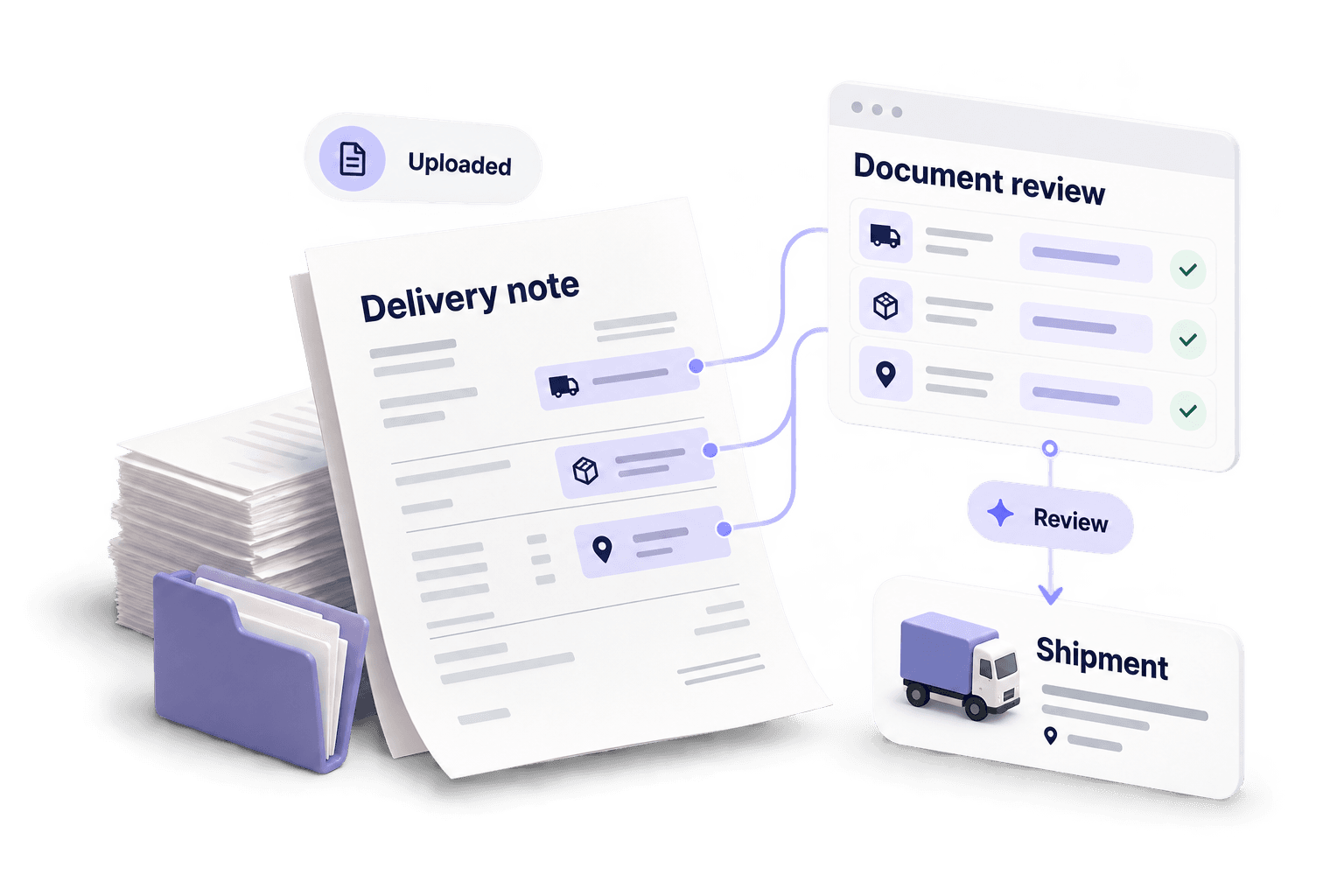
Documents arriving through separate channels can be difficult to reconcile. Spaces brings capture, review and shipment association into the operational process, while keeping the need for human review clear.
Connected records
Associate delivery documents with the relevant shipment.
A review workflow
Check imports and uploads before relying on the record.
Completeness checks
Use document reports to identify follow-up work.
Delivery documents / 01
Capture the document. Keep the context.
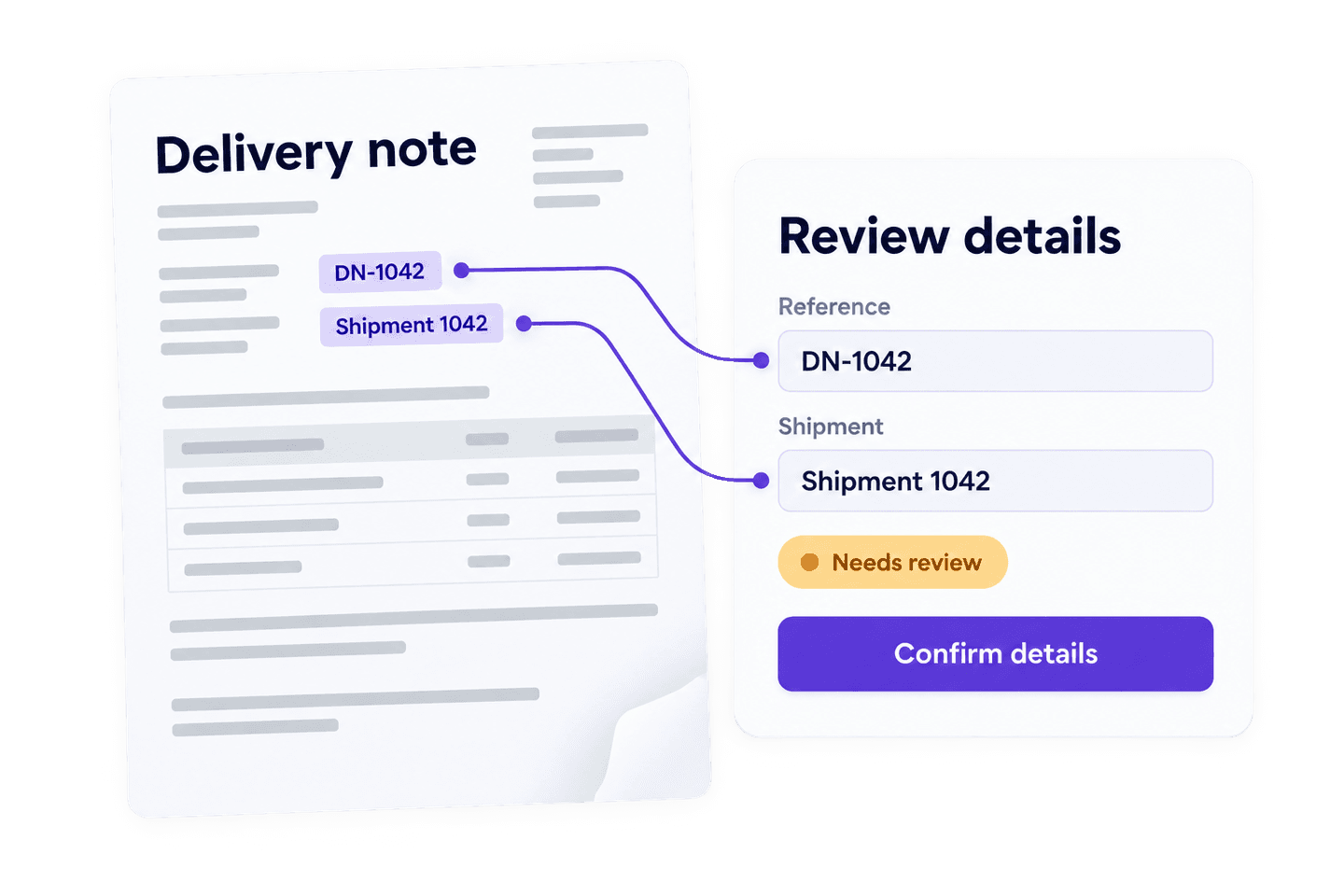
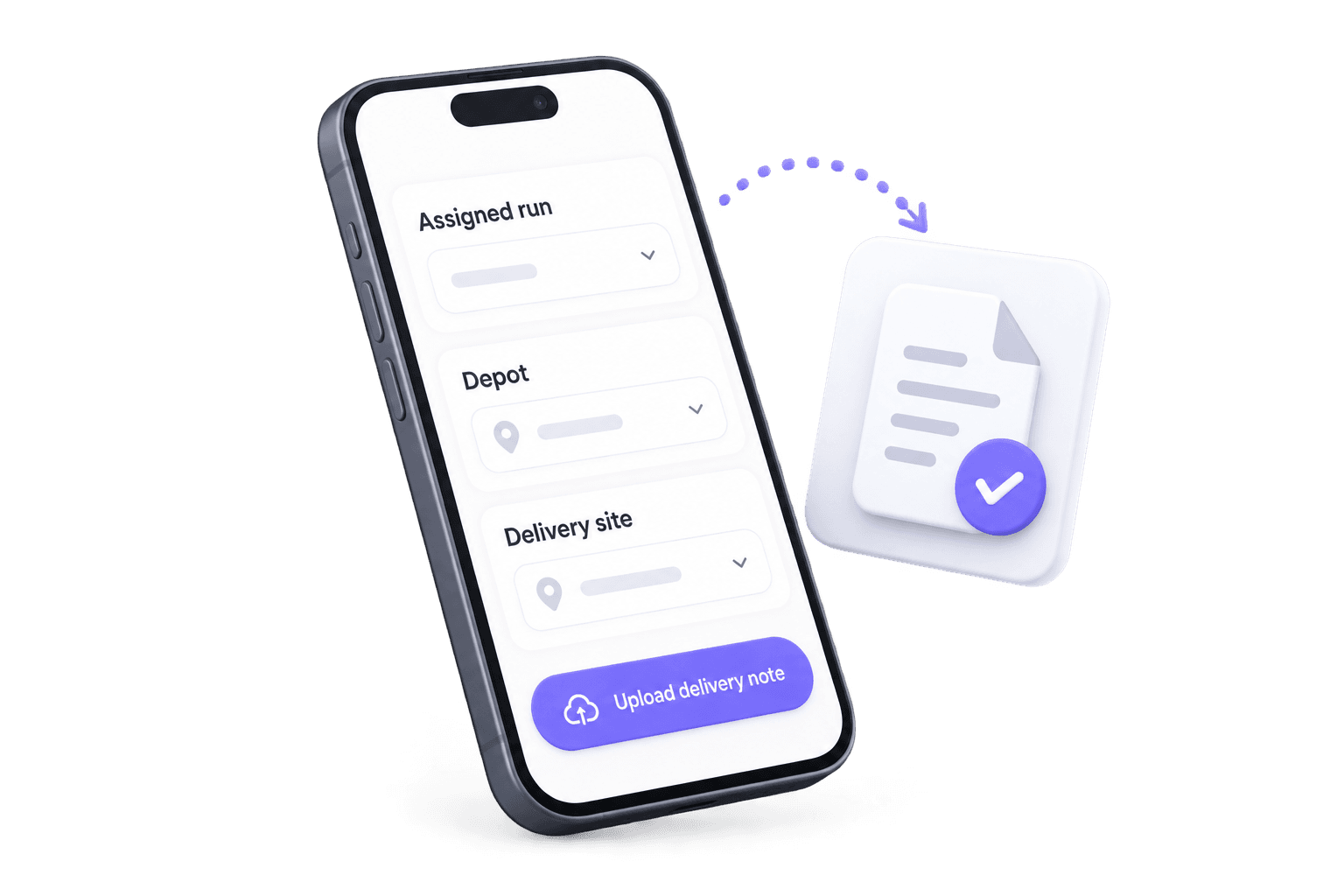
Bring delivery-note uploads and document imports into the system. Review the document alongside shipment information so the record is useful to the office.
- Document capture and imports
- Delivery-note uploads
- Review and shipment association
Delivery documents / 02
Make missing paperwork visible.
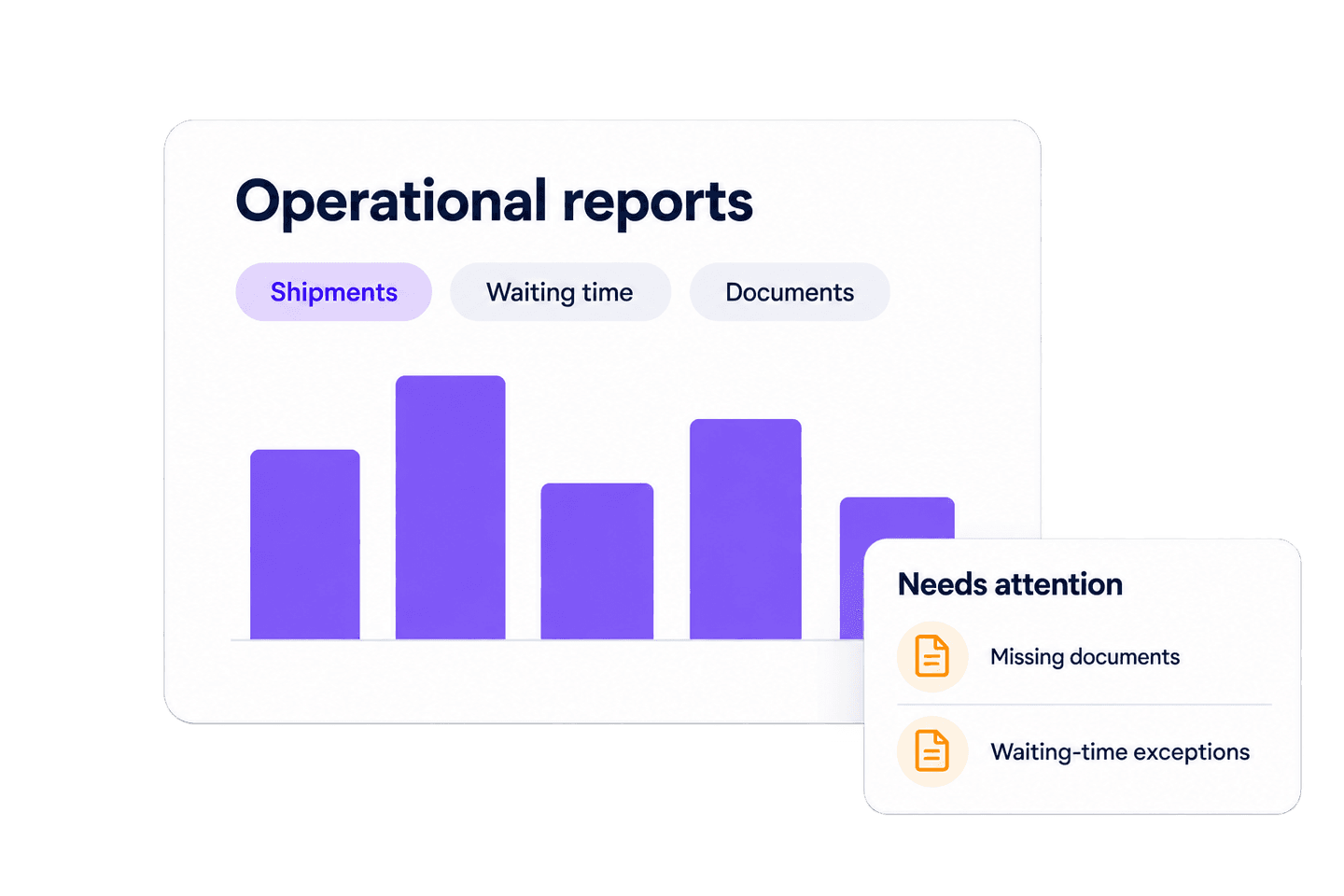
Use available document coverage and missing-document reports to identify what still needs attention. Follow up using the shipment and run context rather than an isolated file.
- Document coverage
- Missing-document review
- Operational follow-up
From first step to follow-up
How the workflow connects.
Explore these steps with your own operating process in a guided demo.
- 01
Capture or import
Bring a delivery document into the workflow.
- 02
Review the record
Check the uploaded information and shipment association.
- 03
Follow up
Review document completeness and outstanding records.
Is an upload automatically a verified proof of delivery?
No. Uploaded documents require review. Document capture does not independently verify delivery, authenticity or a recipient signature.
Can documents be linked to shipments?
Yes. Shipment association is part of the document review workflow. Correct association should be checked before using the record for follow-up.
Can we identify missing documents?
Available document reports cover missing records and coverage. The usefulness of the report depends on the shipment and document data in your system.
Keep your operation connected
Explore more features
Join thousands of satisfied customers using Spaces Digital
Bring your workflow. Explore how Spaces connects your planning, drivers and delivery documents in a 30-minute demo.
Book a demo