Retail delivery
Keep retail deliveries connected from dispatch to review.
Coordinate the transport work behind retail deliveries with shipment planning, assigned runs and delivery documents. Help your team follow the operational record from the depot to the office review.
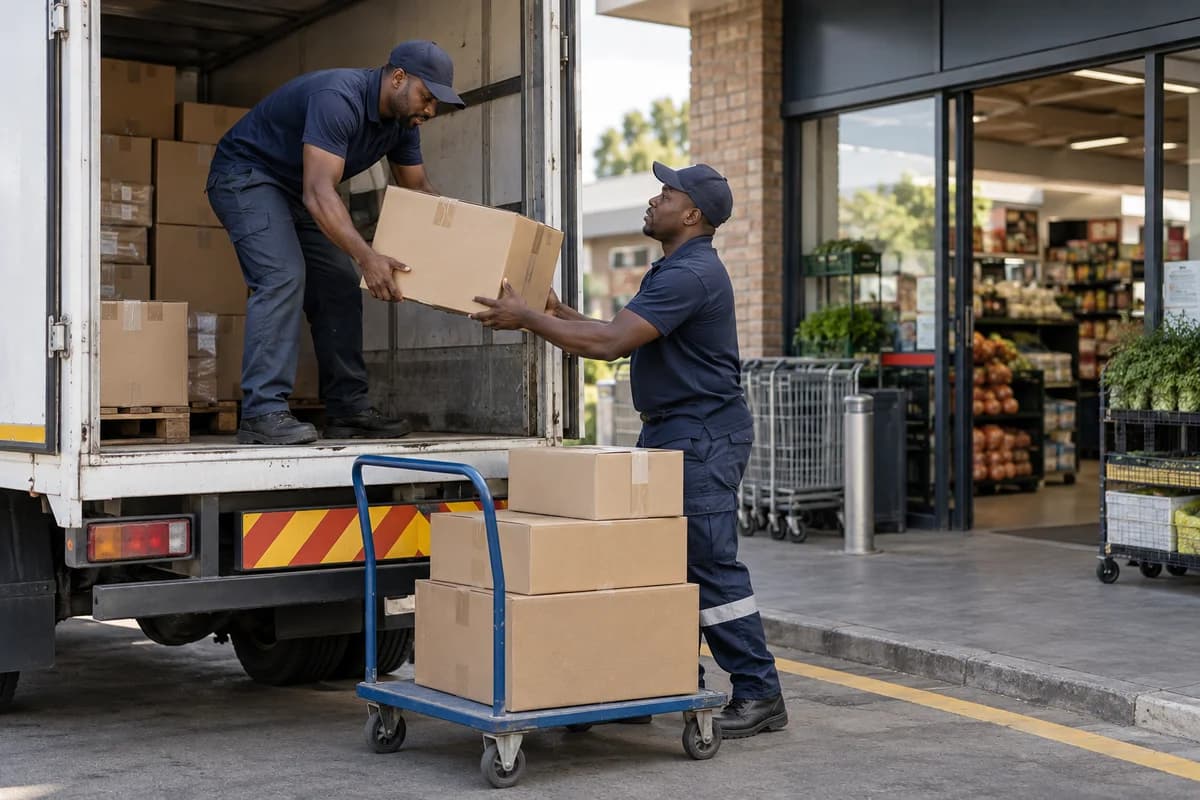
A clearer way to work
A delivery needs more than an assignment.
Retail delivery teams need to understand which work is planned, where connected vehicles have travelled and which records have returned. Spaces brings those pieces into a shared operational workflow.
Clear dispatch plans
Coordinate shipments, vehicles and drivers.
Location context
Use available tracking and supported location events.
Connected paperwork
Review delivery notes against shipment records.
Retail delivery / 01
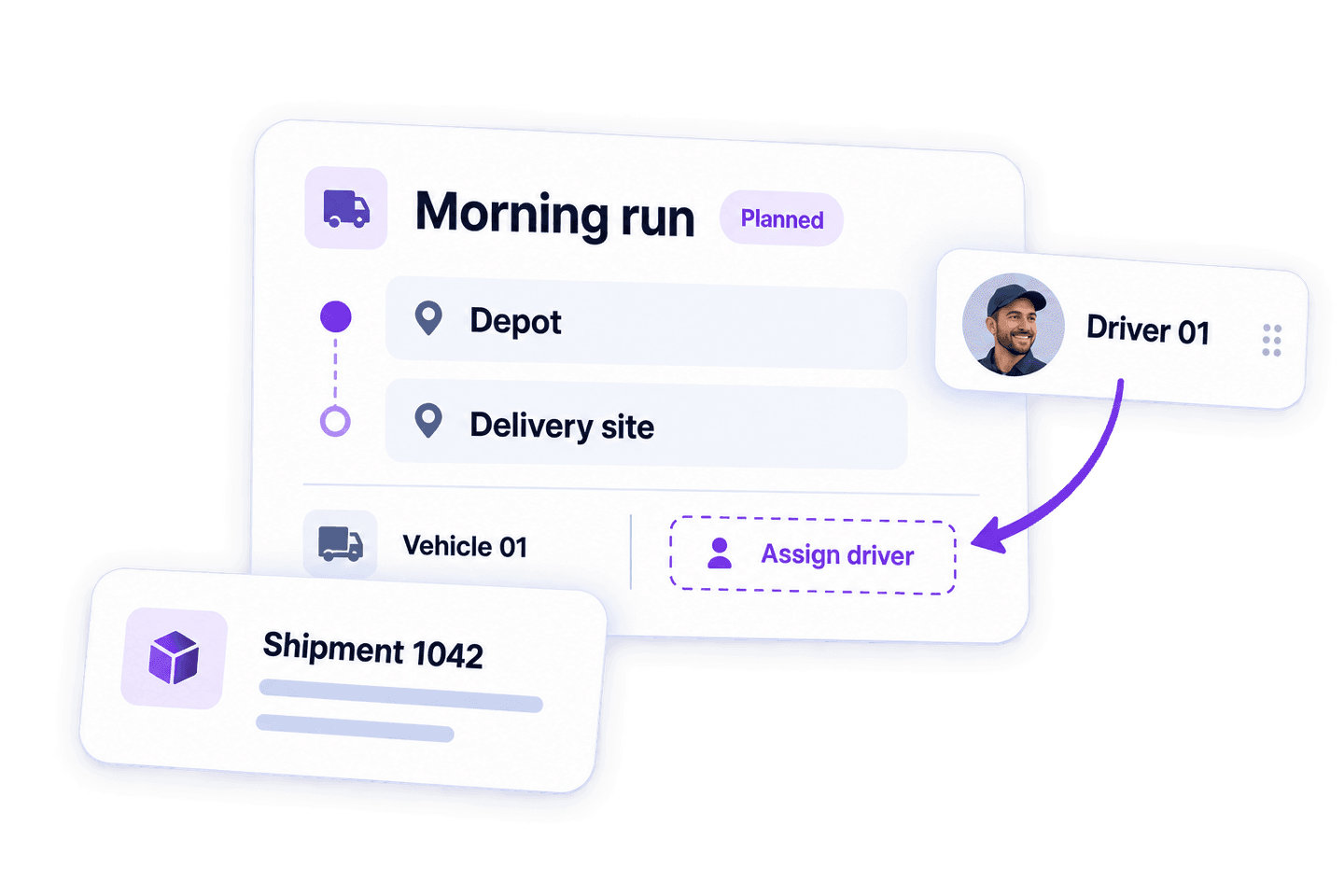
Build the day around the delivery work.
Organise shipments into runs and coordinate the resources assigned to them. Use the schedule to keep dispatch planning connected to the operational record.
- Shipment assignments
- Driver and vehicle coordination
- Run schedules
Retail delivery / 02
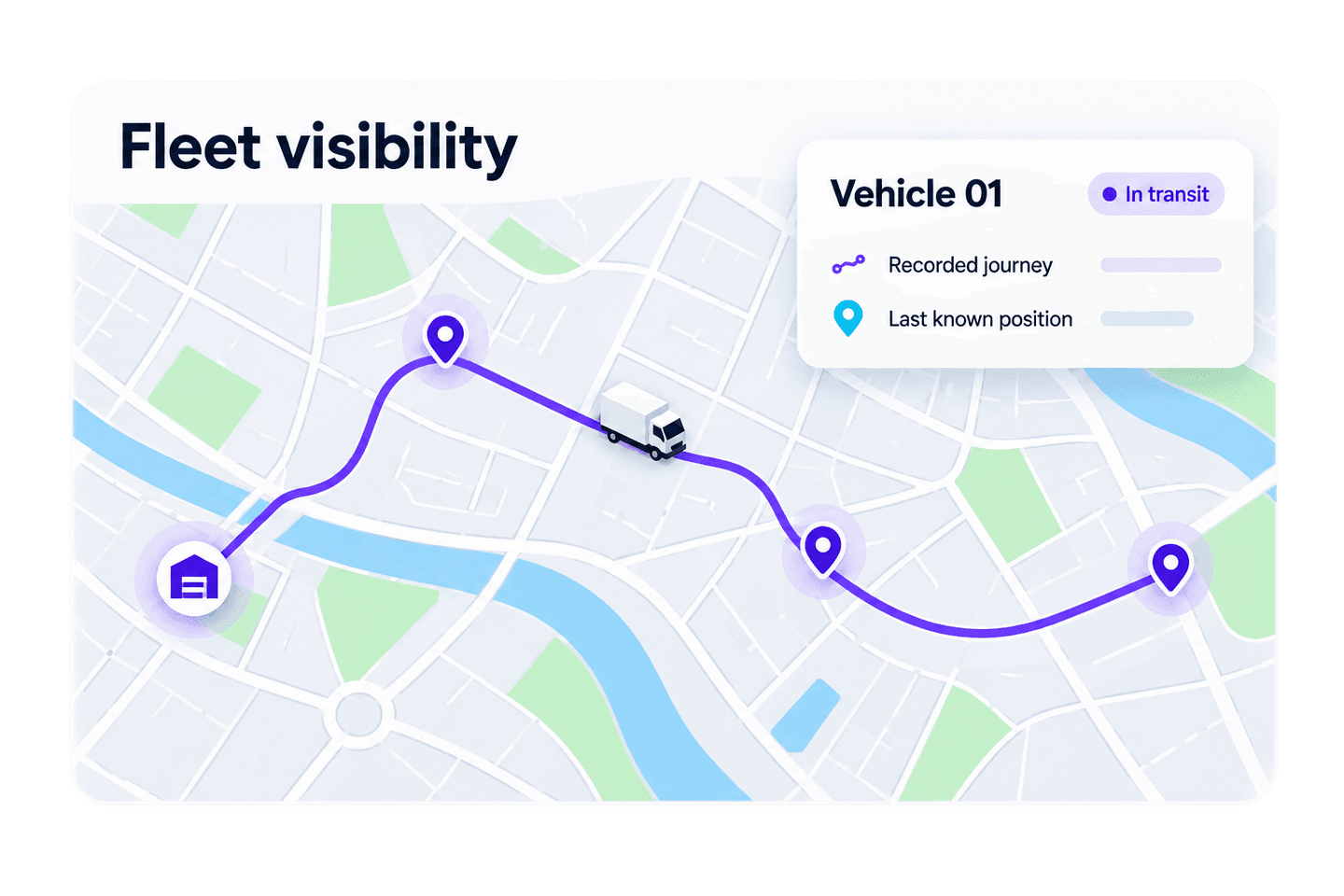
Understand visits to delivery locations.
Connected tracking and geofences can provide context for vehicle visits. Supported arrival and departure workflows depend on the provider data and configured location rules.
- Connected vehicle positions
- Operational geofences
- Supported visit workflows
Retail delivery / 03
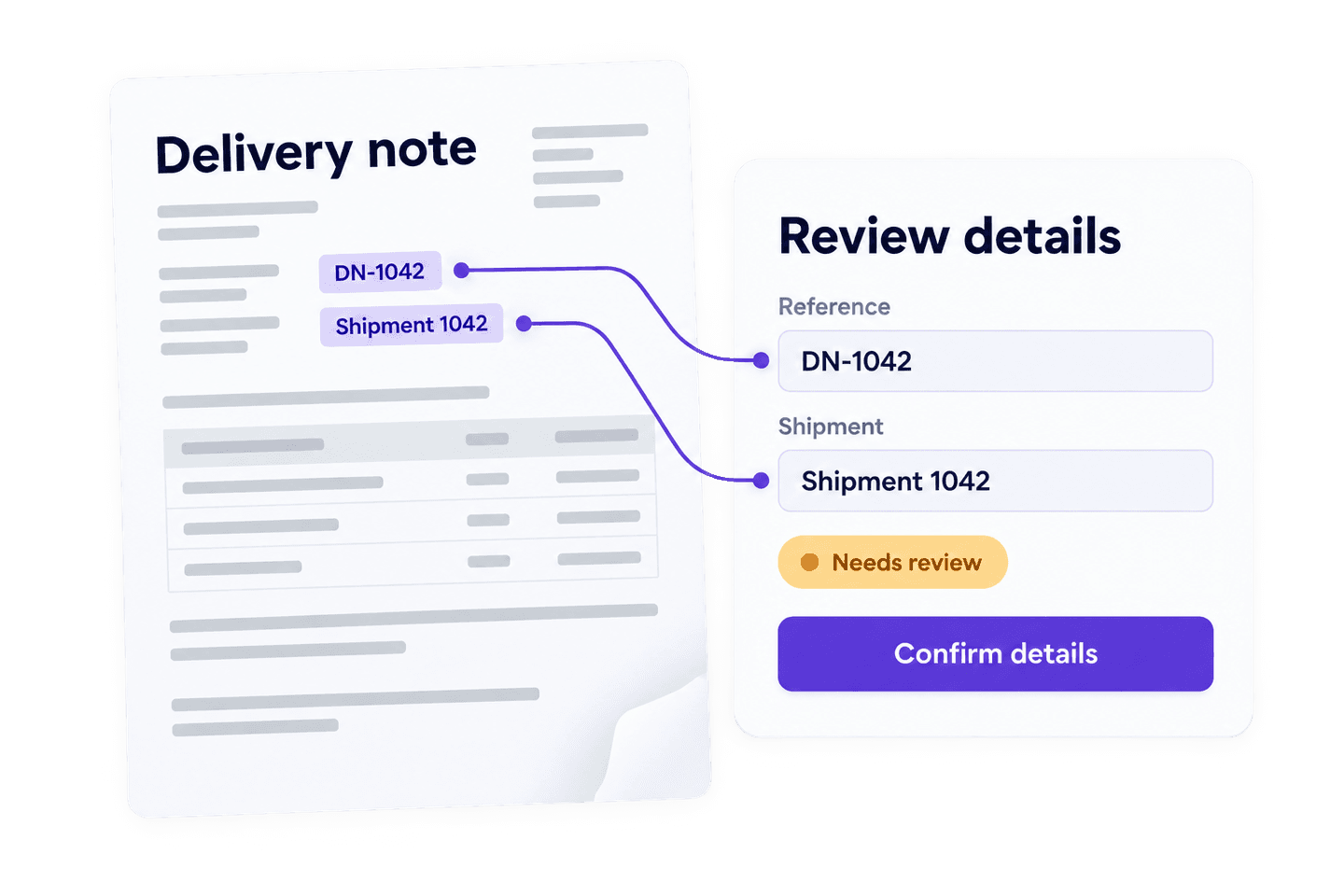
Bring delivery records back into view.
Review driver-uploaded delivery notes and document imports. Check the relevant shipment association and follow up when records are missing.
- Delivery-note uploads
- Shipment association
- Document coverage reports
From first step to follow-up
How the workflow connects.
Explore these steps with your own operating process in a guided demo.
- 01
Plan the delivery run
Coordinate shipments and assigned resources.
- 02
Follow available activity
Use supported tracking and location information.
- 03
Review the paperwork
Check records and outstanding documents.
Does Spaces include an online shop or customer checkout?
The workflows here cover transport operations. An e-commerce storefront, checkout or customer ordering application is not included in these claims.
Does a geofence event confirm a delivery?
No. A vehicle visit provides location context. It does not independently verify a handover, recipient signature or document completeness.
Can we connect our retail system?
Start with the existing merchant API documentation and your required data flow. Compatibility with a specific retail system must be reviewed.
Keep your operation connected
Explore more features
Join thousands of satisfied customers using Spaces Digital
Bring your workflow. Explore how Spaces connects your planning, drivers and delivery documents in a 30-minute demo.
Book a demo