Fuel depots
Connect depot dispatch with the tanker journey.
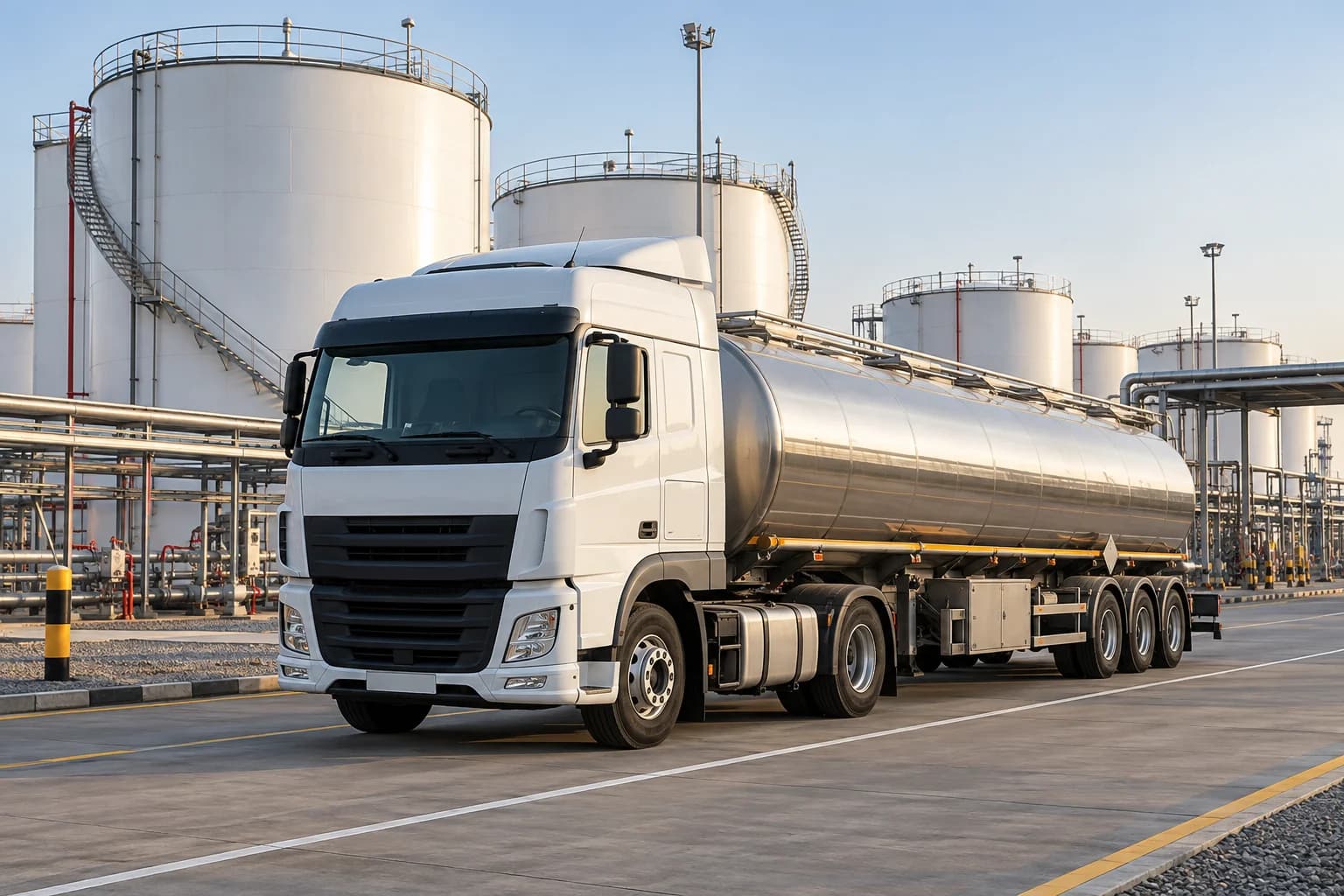
Coordinate transport runs, connected vehicle visibility and delivery paperwork around your fuel-depot operation. Give dispatch and office teams a shared record of the work before and after a vehicle visit.
A clearer way to work
Keep the transport record connected beyond the depot gate.
Tanker assignments, depot visits and returning delivery documents are different parts of the same transport job. Spaces connects those operational records so your team can investigate delays and follow up on paperwork.
Coordinated runs
Assign shipment work to vehicles and drivers.
Depot visit context
Use supported tracking and location events to review visits.
Document follow-up
Keep delivery notes associated with shipments.
Fuel depots / 01
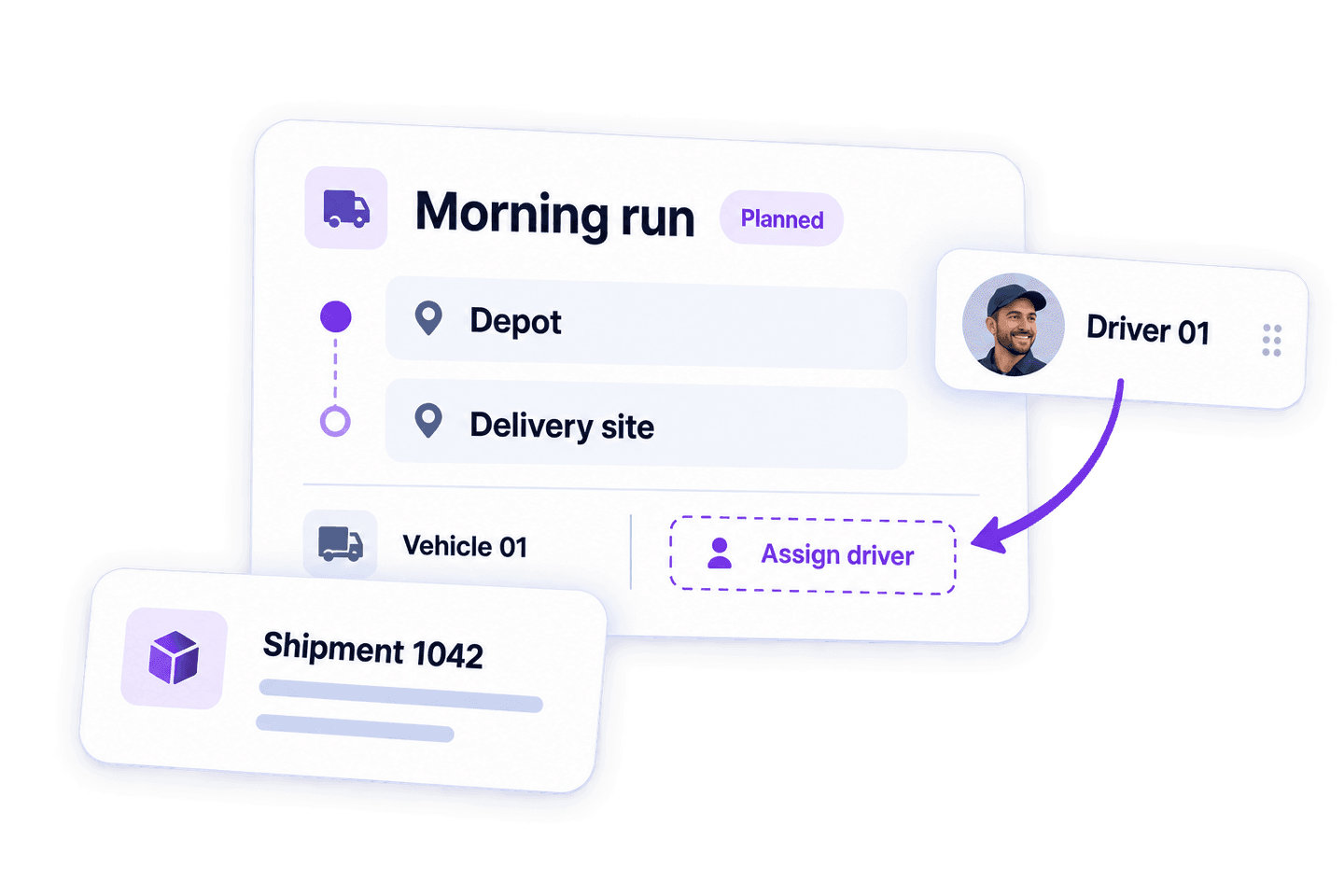
Give dispatch a clear view of planned movements.
Organise transport shipments into runs and review vehicle, driver and schedule assignments. Use the existing planning workflow alongside your depot’s established loading and site procedures.
- Transport run planning
- Vehicle and driver assignments
- Shared dispatch schedules
Fuel depots / 02
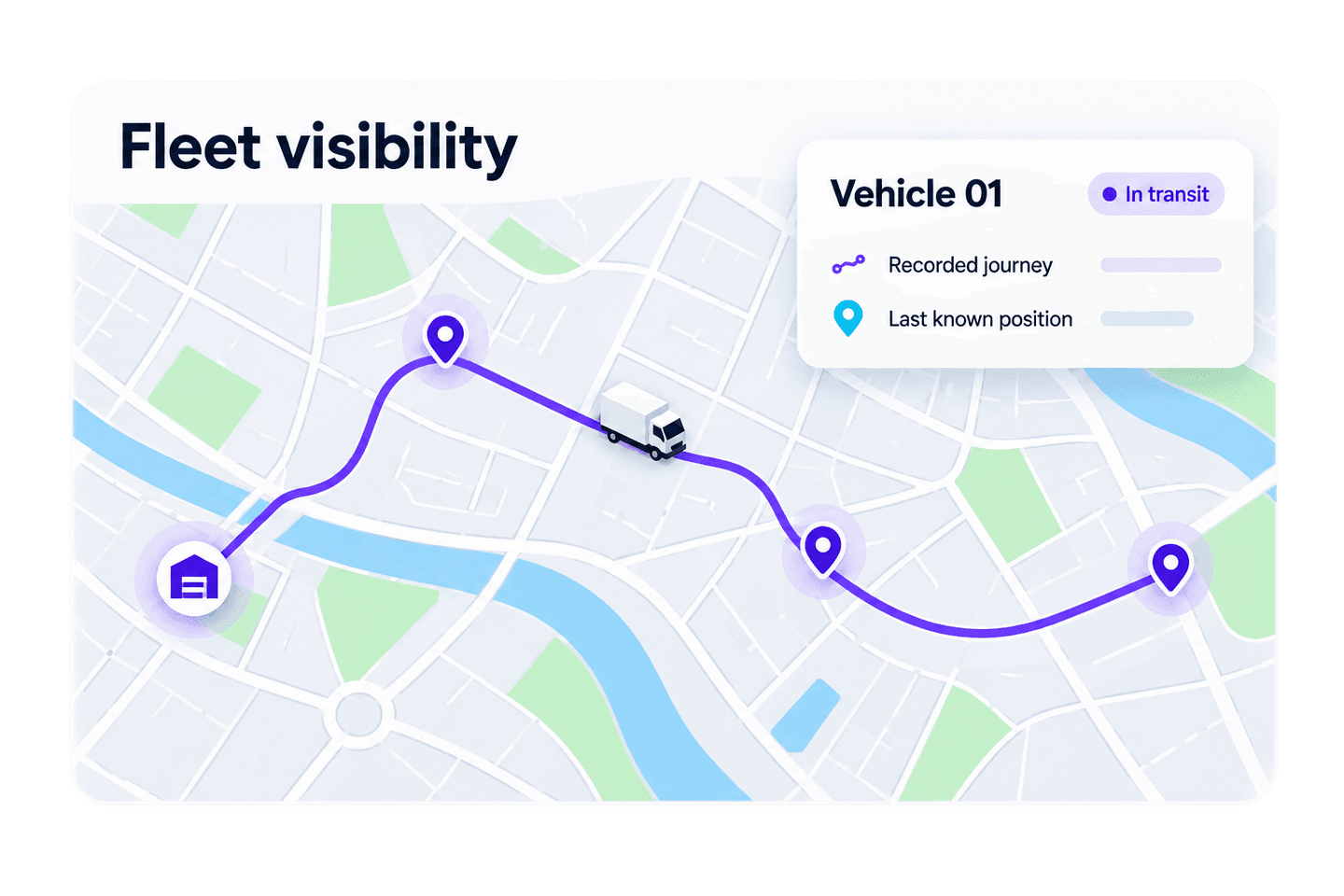
Understand arrival, departure and waiting context.
Define operational geofences around relevant locations and review supported arrival or departure events. Connected vehicle journeys and available waiting-time reports can help the office investigate a visit.
- Configured depot locations
- Supported arrival/departure workflows
- Journey and waiting-time review
Fuel depots / 03
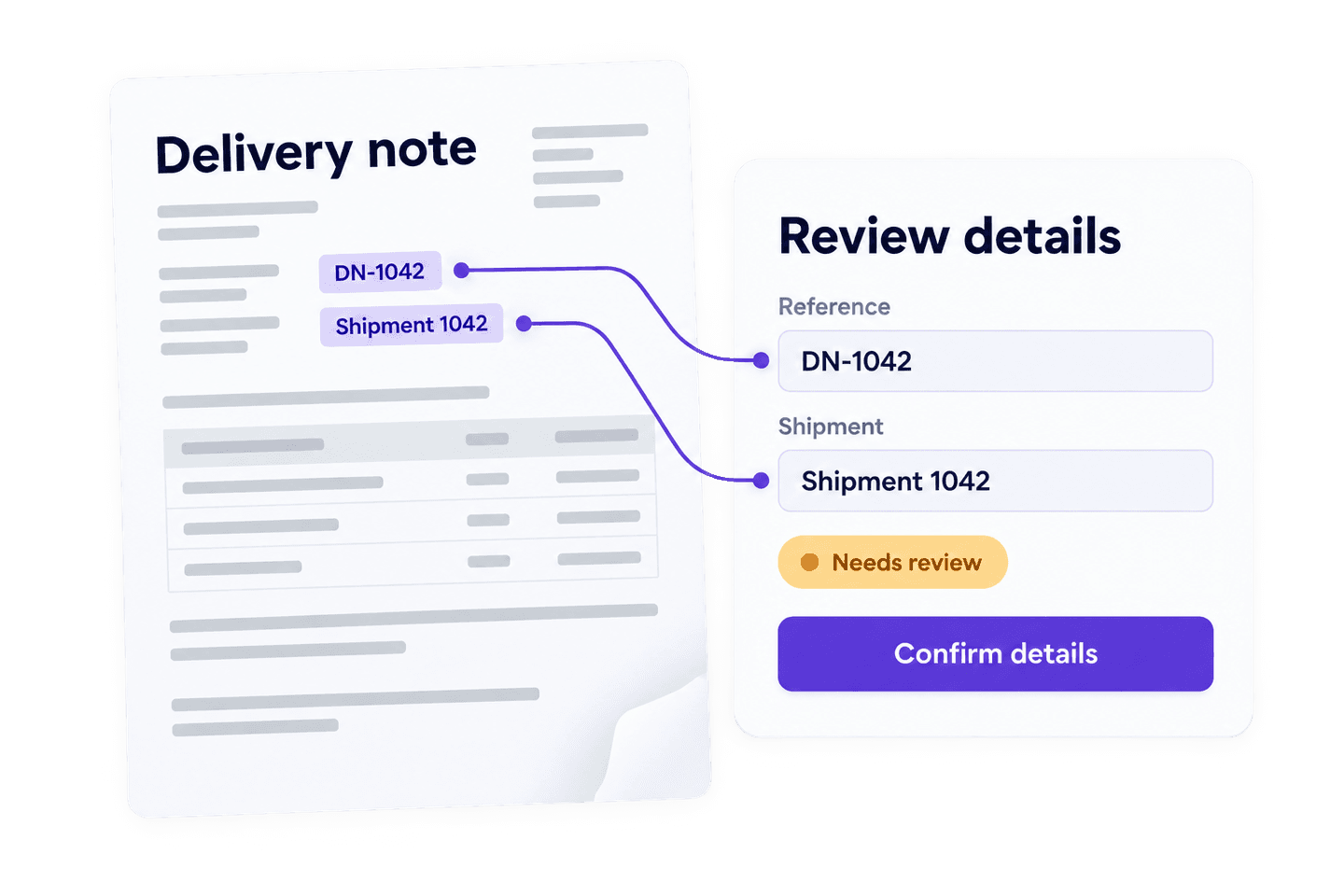
Keep the delivery paperwork with the transport job.
Bring delivery-note uploads and document imports into office review. Associate records with shipments and use document coverage reports to follow up on missing paperwork.
- Delivery-note uploads and imports
- Review and shipment association
- Document completeness checks
From first step to follow-up
How the workflow connects.
Explore these steps with your own operating process in a guided demo.
- 01
Plan the movement
Coordinate transport shipments, vehicles and drivers.
- 02
Review the visit
Use connected tracking and supported location events.
- 03
Check the delivery records
Review the paperwork and outstanding documents.
Does Spaces measure fuel stock, tank levels or delivered litres?
These capabilities are not part of the verified workflows described here. This page covers transport planning, tracking, location events and delivery documents; it does not promise tank telemetry, metering or fuel-stock reconciliation.
Does Spaces replace depot safety or loading controls?
No. Spaces is described here as a transport operations tool. It does not replace loading controls, site safety procedures or your existing specialist systems.
Is fuel transport compliance included?
No regulatory certification or compliance capability is claimed. Review your operational requirements and any specialist system integrations separately.
What should we bring to the demo?
Bring a typical depot-to-customer transport workflow, your tracking provider and an example of delivery paperwork. We can demonstrate the existing run, location and document workflows against that process.
Keep your operation connected
Explore more features
Join thousands of satisfied customers using Spaces Digital
Bring your workflow. Explore how Spaces connects your planning, drivers and delivery documents in a 30-minute demo.
Book a demo