Location automation
Give arrivals and departures a place in the workflow.
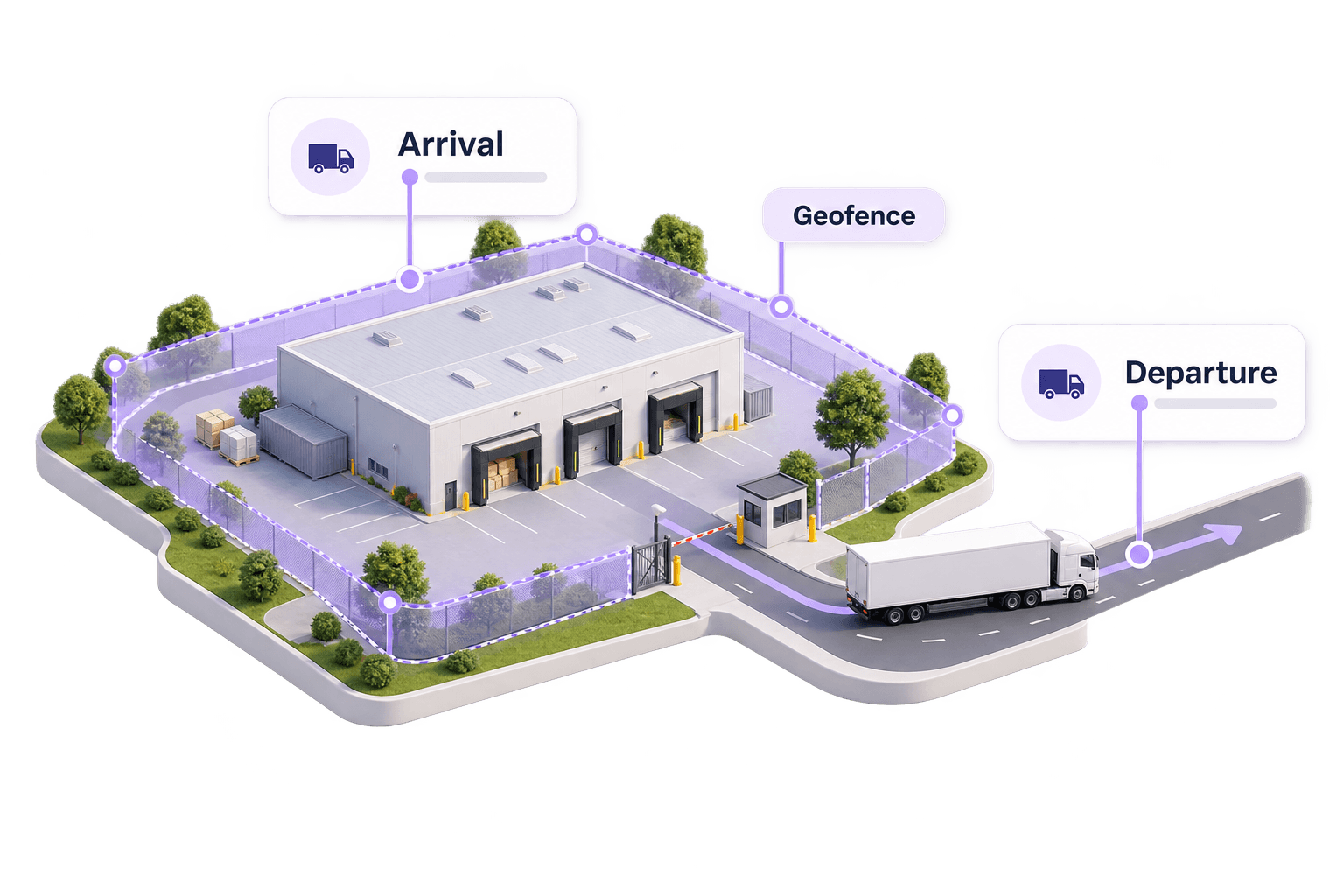
Use geofences and supported location events to connect vehicle visits with operational follow-up. Build around the locations that matter to your fleet.
A clearer way to work
A location boundary needs operational meaning.
A depot, customer site or delivery location can represent an important moment in a run. Supported location workflows help bring that context into the system, with behaviour determined by the configured rules and tracking data.
Defined locations
Use geofences around relevant operational sites.
Visit context
Support arrival and departure workflows with location events.
Configured actions
Apply supported rules to your operational process.
Location automation / 01
Start with places your team recognises.
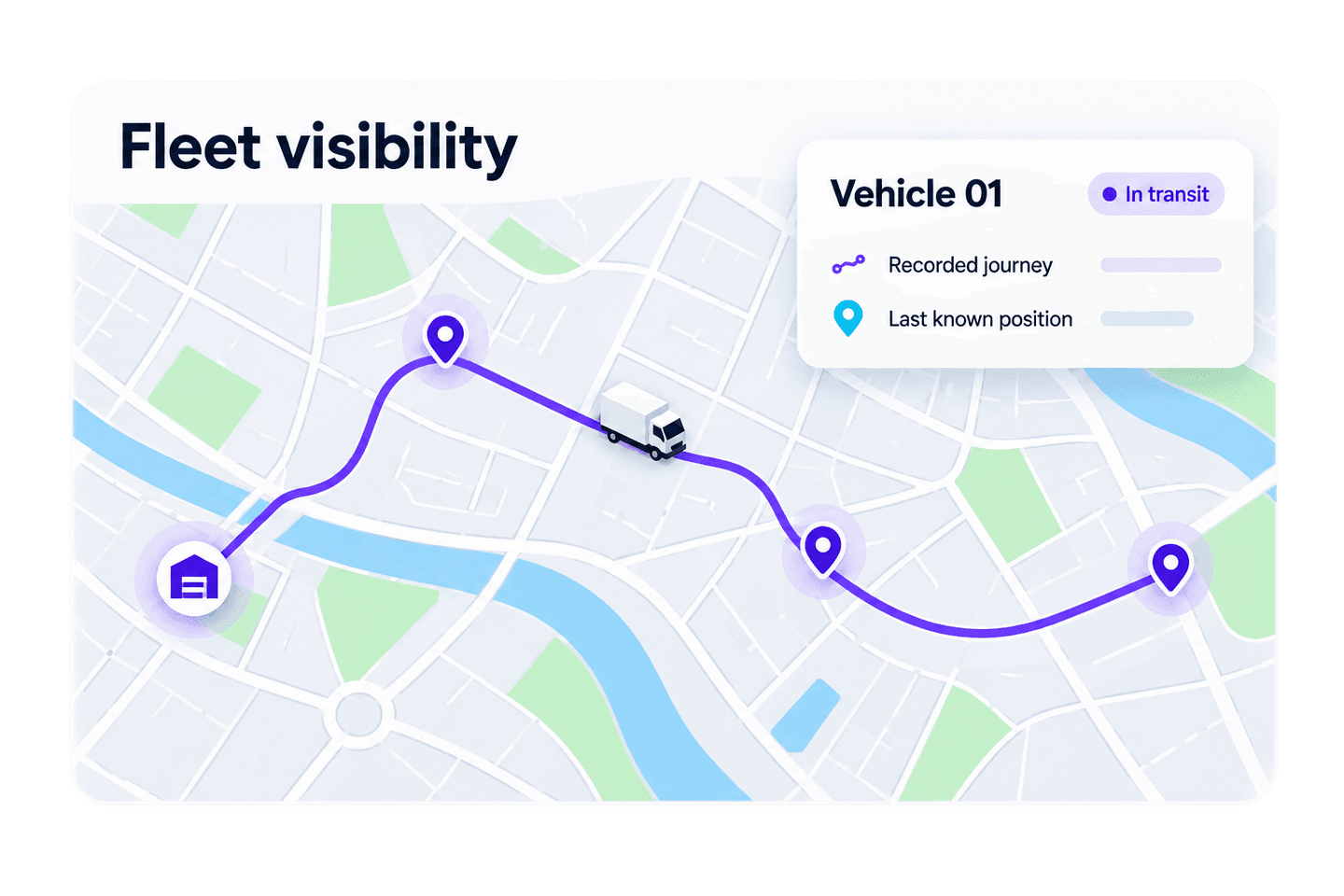
Define operational locations and their geofences. For example, a depot boundary can provide context for a vehicle’s arrival or departure when the tracking integration supplies the required events.
- Operational locations
- Geofence boundaries
- Tracking integration requirements
Location automation / 02
Connect events to supported actions.
Review the available conditions and actions against your process. Location events can support operational workflows, but they should not be treated as independent proof that a delivery was completed.
- Configured arrival/departure workflows
- Supported conditions and actions
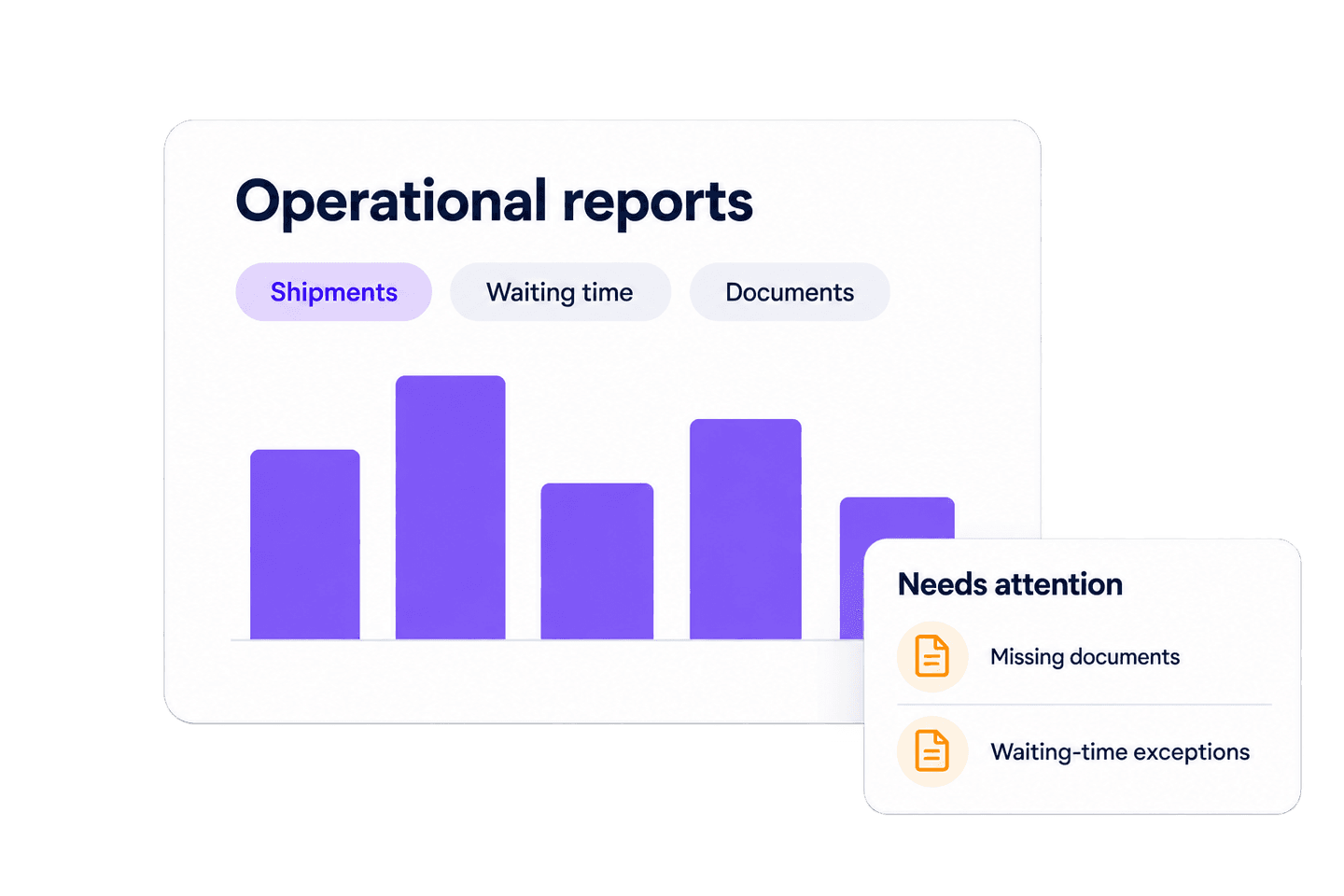
- Operational review of exceptions
From first step to follow-up
How the workflow connects.
Explore these steps with your own operating process in a guided demo.
- 01
Define the location
Identify the site and appropriate boundary.
- 02
Configure the workflow
Choose supported conditions and actions for that location.
- 03
Verify with real events
Check how the configured integration reports vehicle visits.
Does every tracking provider support the same events?
No. Event availability and timing depend on the provider and configuration. Verify the intended workflow against your connected integration.
Does entering a geofence mark a delivery as proven?
No. Location events provide context and may support configured actions; they do not independently prove a recipient handover or delivery-document completeness.
Can we test a depot workflow in the demo?
Bring a typical arrival or departure process. We can explain the existing location conditions, supported actions and integration requirements.
Keep your operation connected
Explore more features
Join thousands of satisfied customers using Spaces Digital
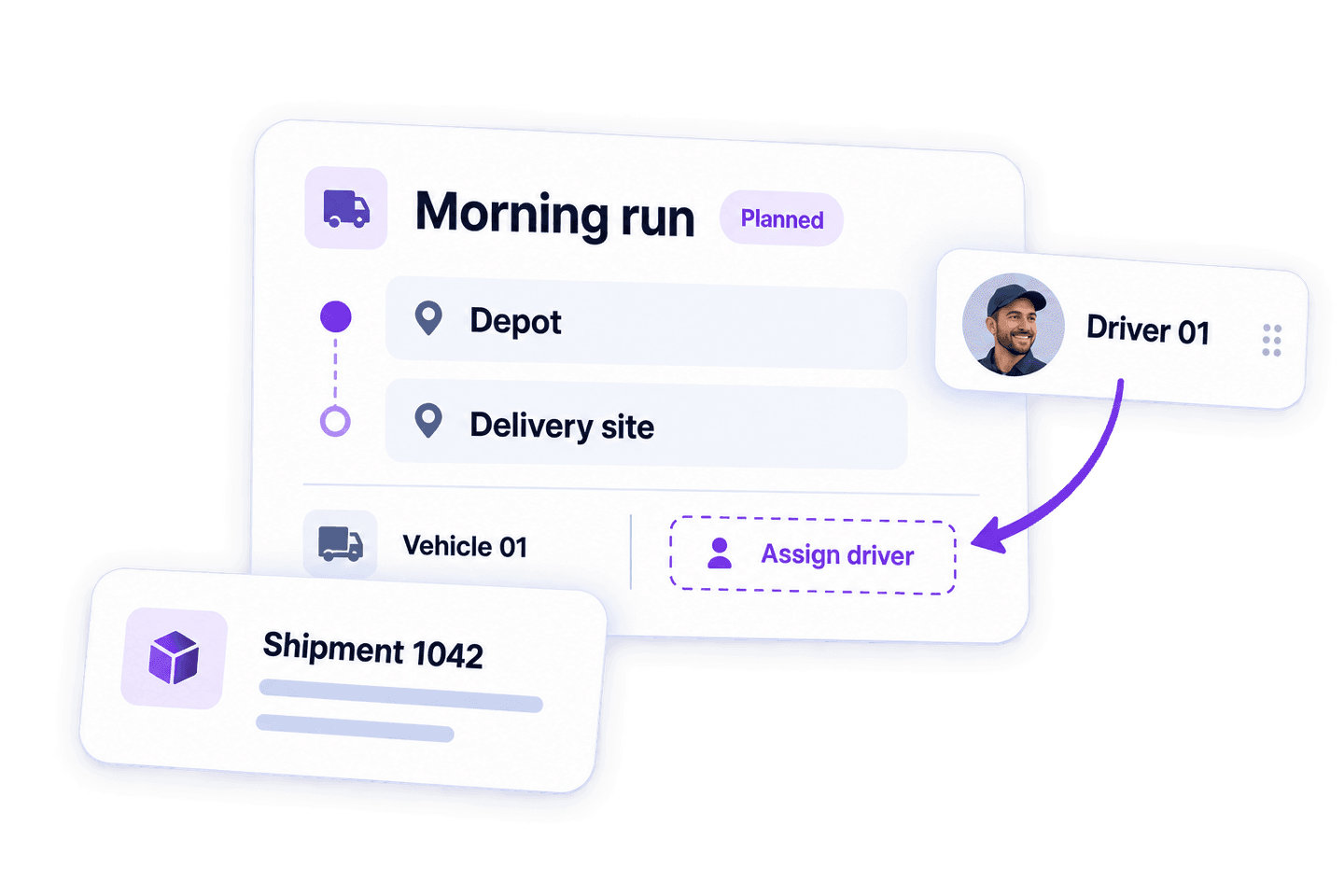
Bring your workflow. Explore how Spaces connects your planning, drivers and delivery documents in a 30-minute demo.
Book a demo