Road freight
Keep the whole freight journey connected.
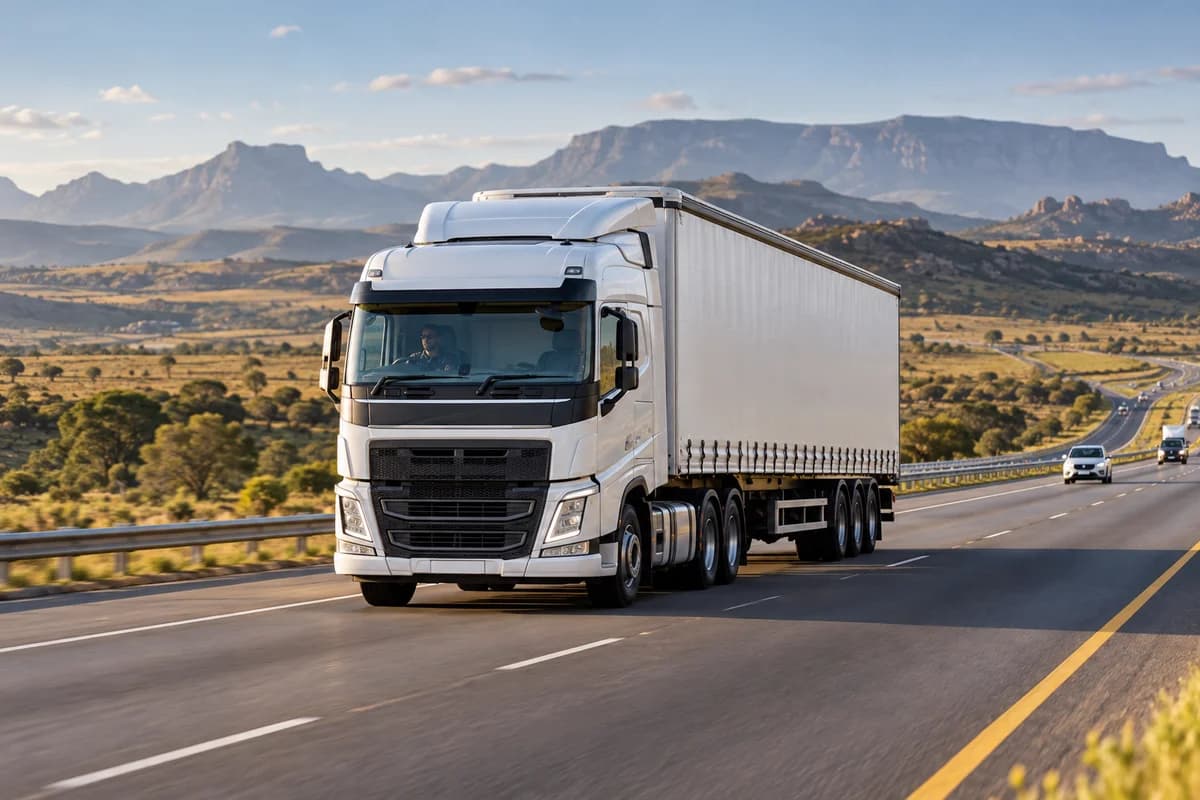
Bring dispatch planning, vehicle visibility and delivery paperwork together for road freight operations. Give the office a shared view of the work, from the planned run to the returned documents.
A clearer way to work
Long journeys need a clear operational record.
When run assignments, tracking updates and delivery notes live in separate places, investigating a delay takes more work. Spaces keeps the shipment and run context close to the records your team needs.
Plan the work
Coordinate shipment, driver and vehicle assignments.
Follow the journey
Review connected vehicle positions and recorded journeys.
Close the paperwork loop
Associate delivery documents with the relevant shipment.
Road freight / 01
Give dispatch a shared plan.
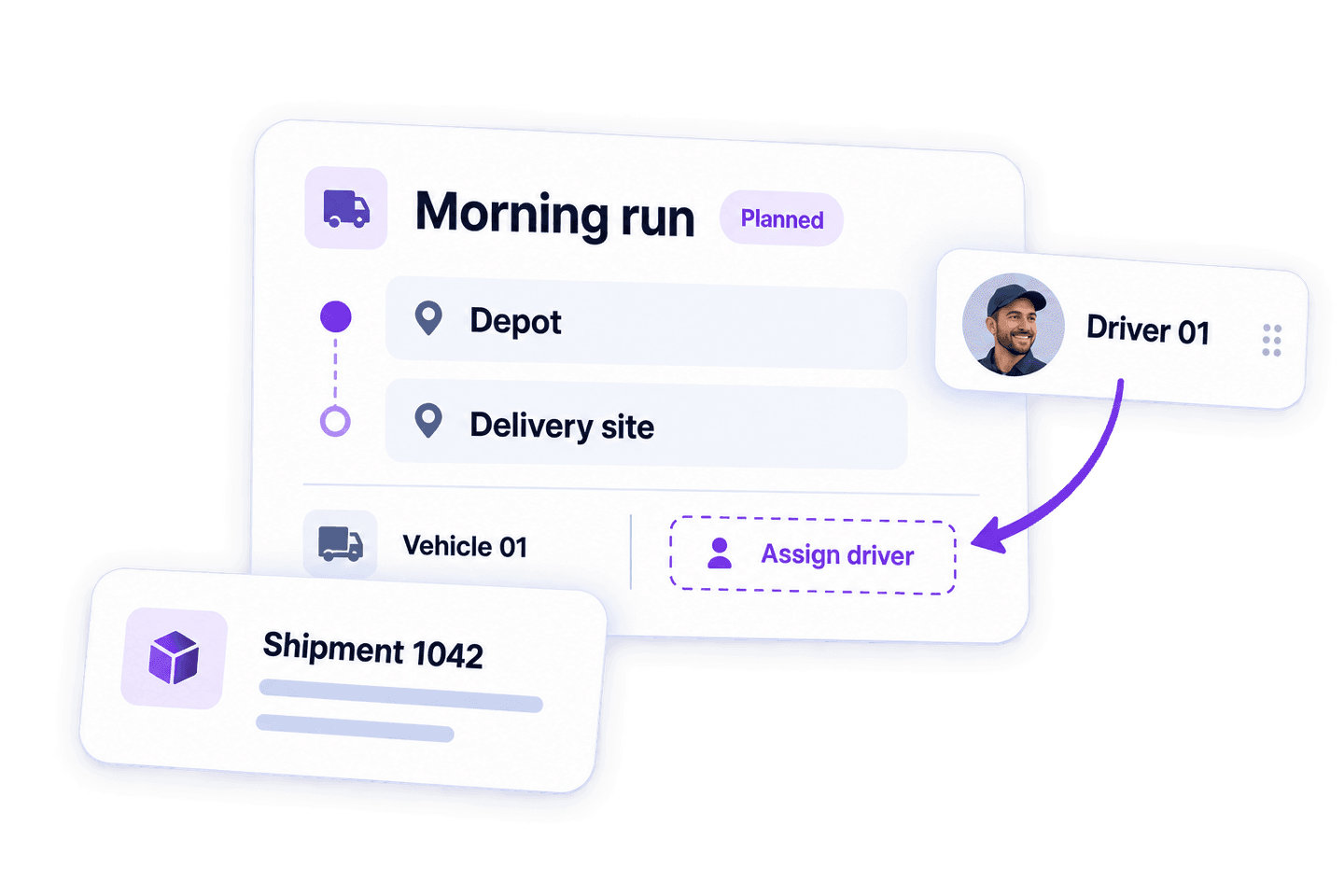
Build runs around the freight that needs to move. Review shipment assignments alongside the driver, vehicle and schedule so the team has a common starting point.
- Shipment-to-run assignments
- Driver and vehicle coordination
- Planned operational schedules
Road freight / 02
Investigate delays with the journey in view.
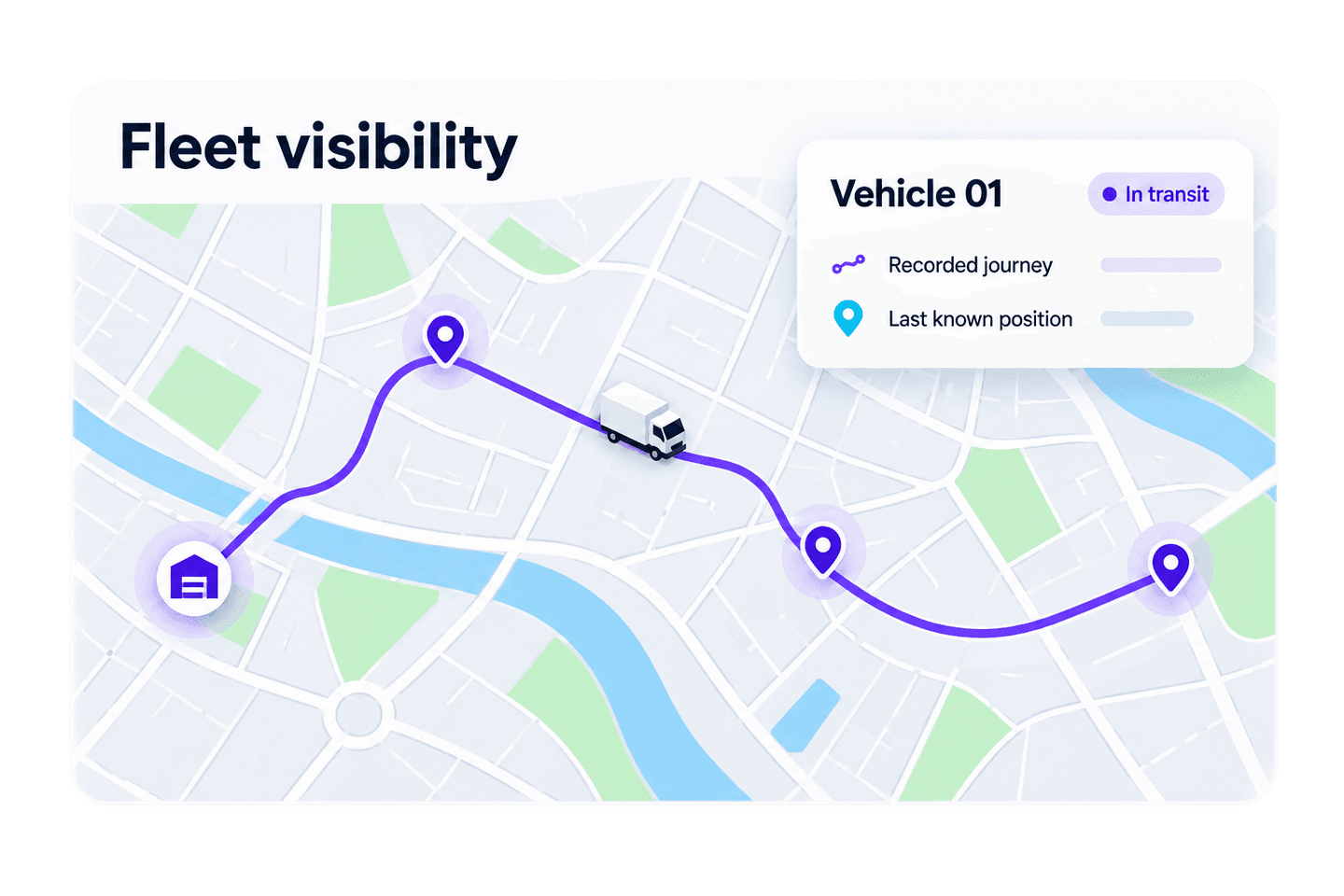
Use connected tracking information, recorded journeys and waiting-time reports to understand where follow-up is needed. Tracking detail and freshness depend on your provider connection.
- Provider-connected fleet visibility
- Recorded journeys
- Waiting-time context
Road freight / 03
Keep delivery records with the shipment.
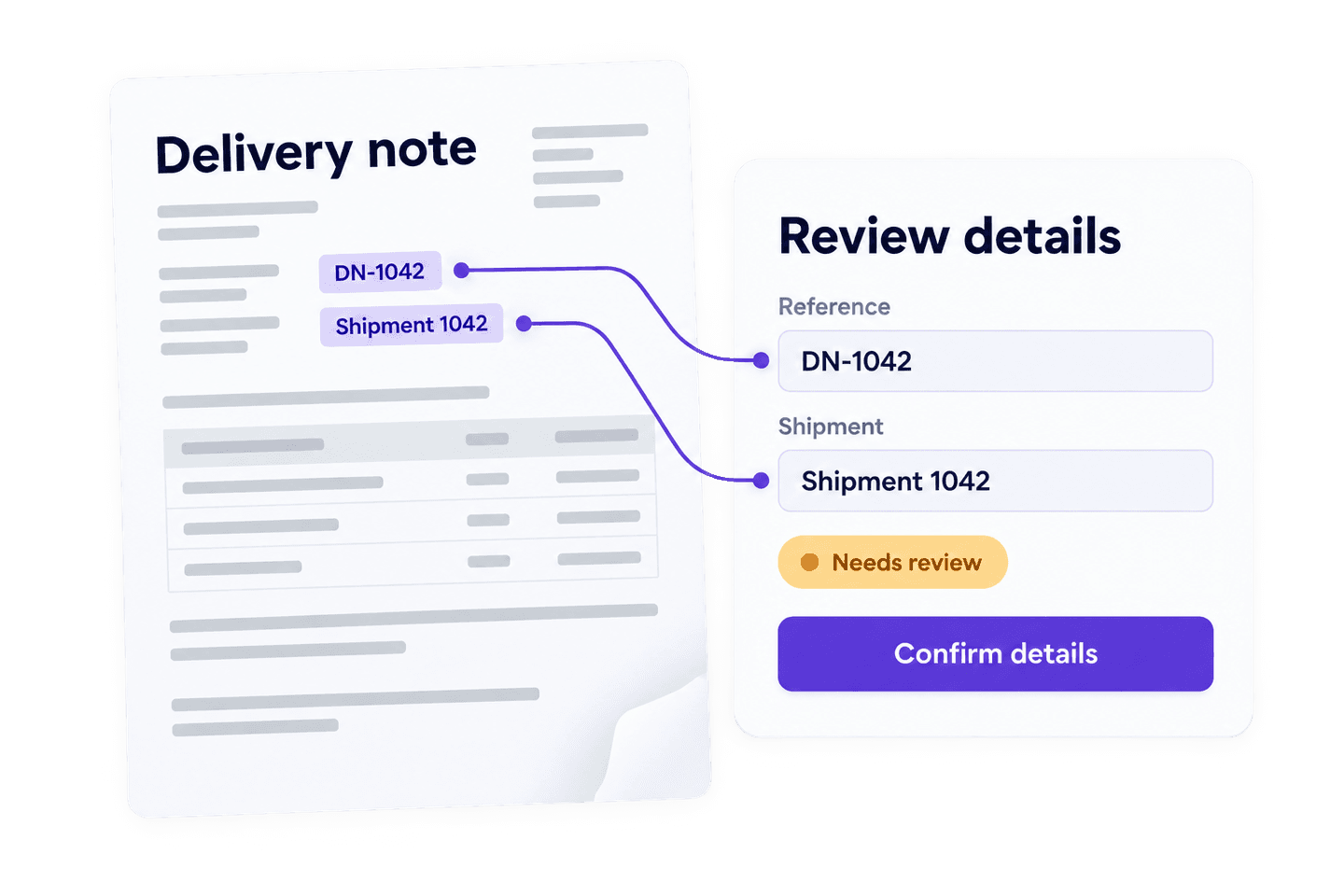
Bring driver uploads and document imports into a review process. Check the association with the shipment and use document reports to identify outstanding paperwork.
- Delivery-note uploads
- Document review and association
- Missing-document follow-up
From first step to follow-up
How the workflow connects.
Explore these steps with your own operating process in a guided demo.
- 01
Plan the run
Review shipments and coordinate resources.
- 02
Follow the journey
Use available tracking and operational records.
- 03
Review the delivery records
Check documents and follow up on gaps.
Can Spaces work with our existing vehicle tracking?
Spaces includes integrations for MiX/Powerfleet and Fleetboard. Your provider, access and deployment compatibility need to be confirmed before a connection is promised.
Does Spaces automatically optimise long-haul routes?
The supported workflows described here cover route planning, scheduling and run management. Automatic optimisation is not a verified capability being offered.
What should we bring to a demo?
Bring a typical freight run, your tracking provider details and an example of how delivery paperwork currently reaches the office.
Keep your operation connected
Explore more features
Join thousands of satisfied customers using Spaces Digital
Bring your workflow. Explore how Spaces connects your planning, drivers and delivery documents in a 30-minute demo.
Book a demo