Wholesale distribution
Connect the depot plan to every delivery record.
Give wholesale distribution teams a connected workflow for shipments, dispatch and delivery paperwork. Keep the office and drivers working from the same operational context.

A clearer way to work
The work continues after the vehicle leaves the depot.
A distribution day connects many moving parts: shipments waiting for assignment, vehicles on the road and paperwork returning to the office. Spaces brings those transport workflows together.
Organised dispatch
Group shipments into planned runs.
Connected drivers
Keep assigned runs and delivery-note uploads in the workflow.
Clear follow-up
Review document coverage and operational exceptions.
Wholesale distribution / 01
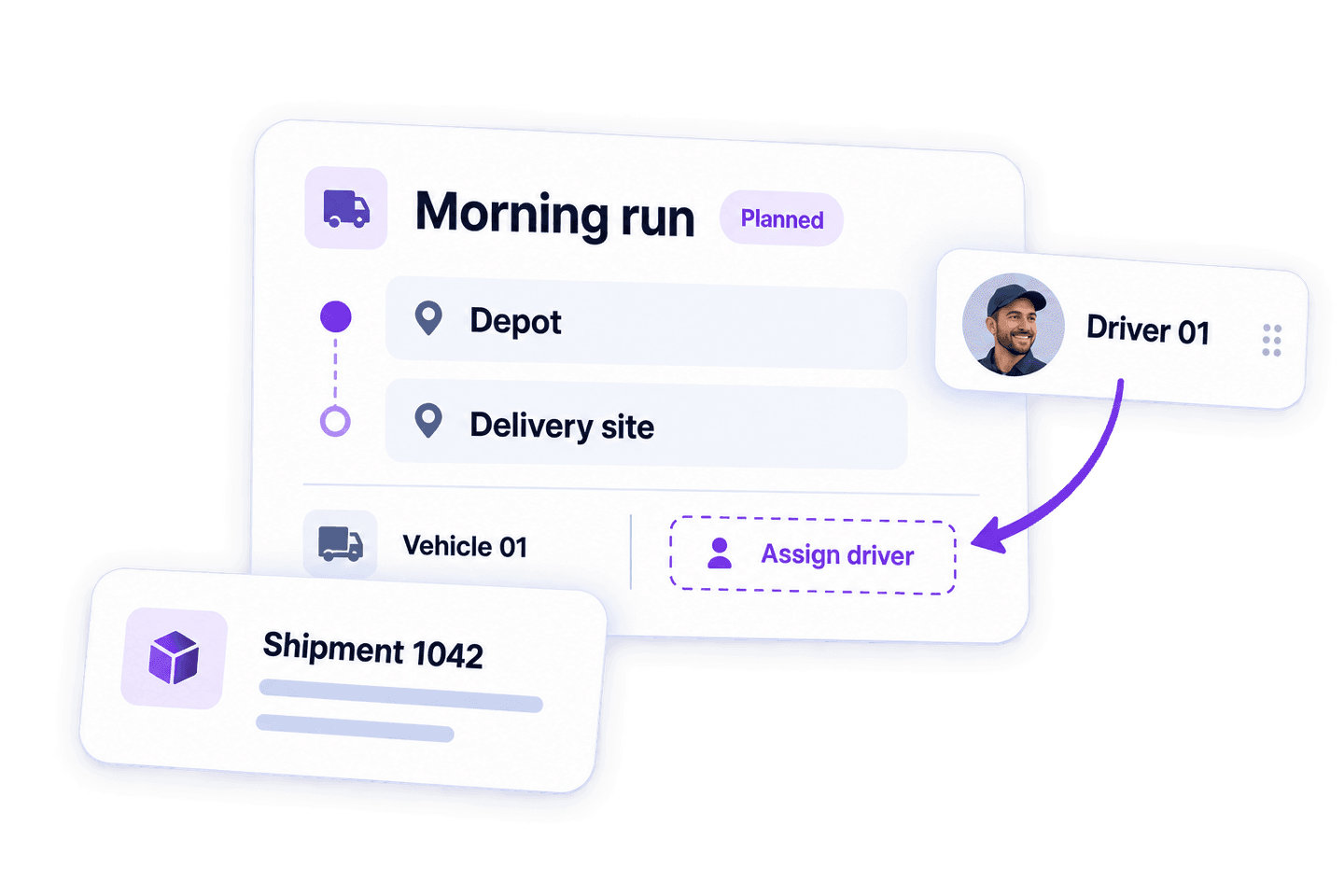
Build a clear departure plan.
Coordinate shipment assignments with drivers, vehicles and schedules. Give dispatchers a common record of the work planned for each run.
- Shipment assignments
- Vehicle and driver coordination
- Shared run schedules
Wholesale distribution / 02
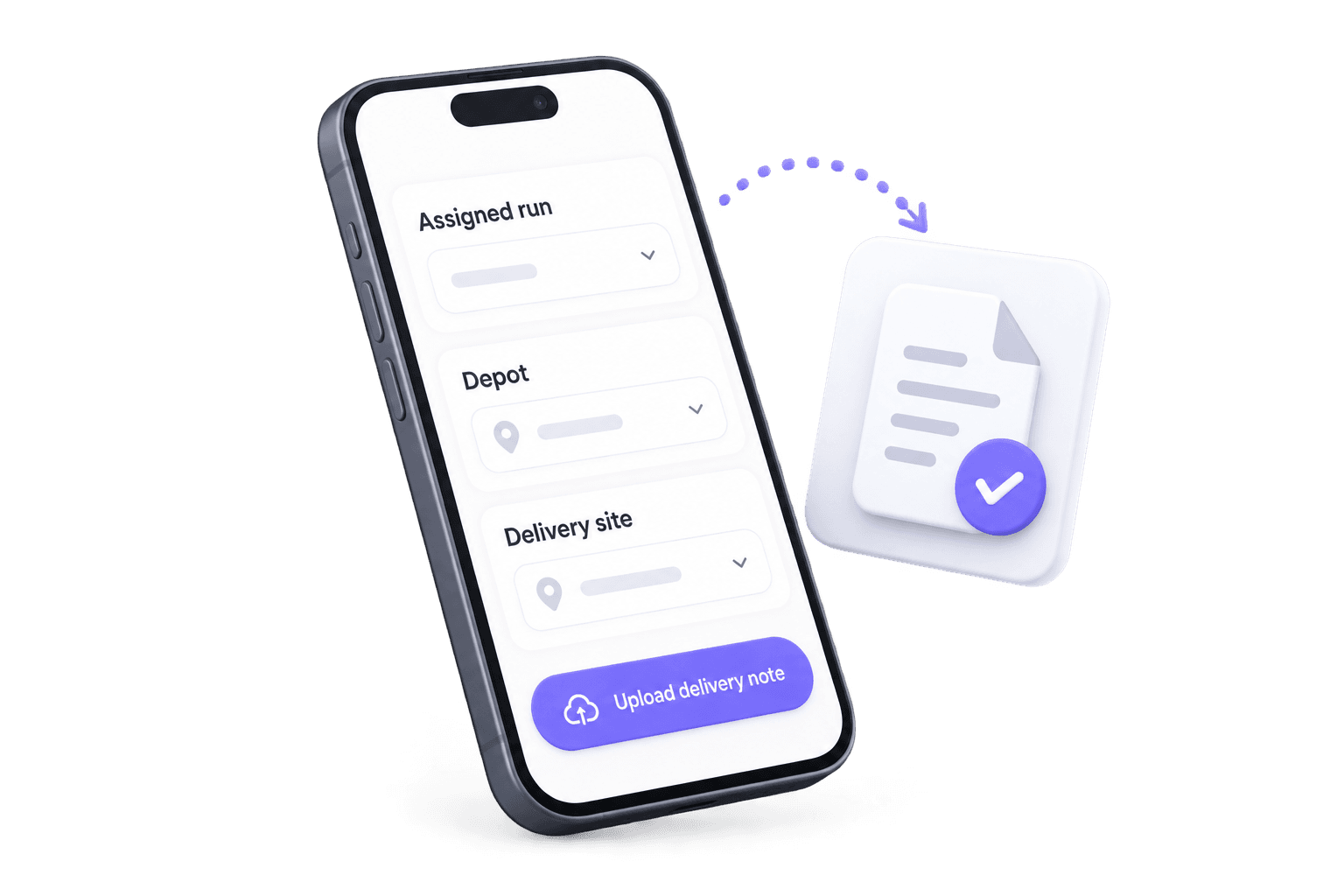
Keep field paperwork connected to the office.
Drivers can access assigned runs and upload delivery notes. Office review helps keep the resulting documents associated with the correct shipment.
- Assigned driver runs
- Delivery-note uploads
- Office document review
Wholesale distribution / 03
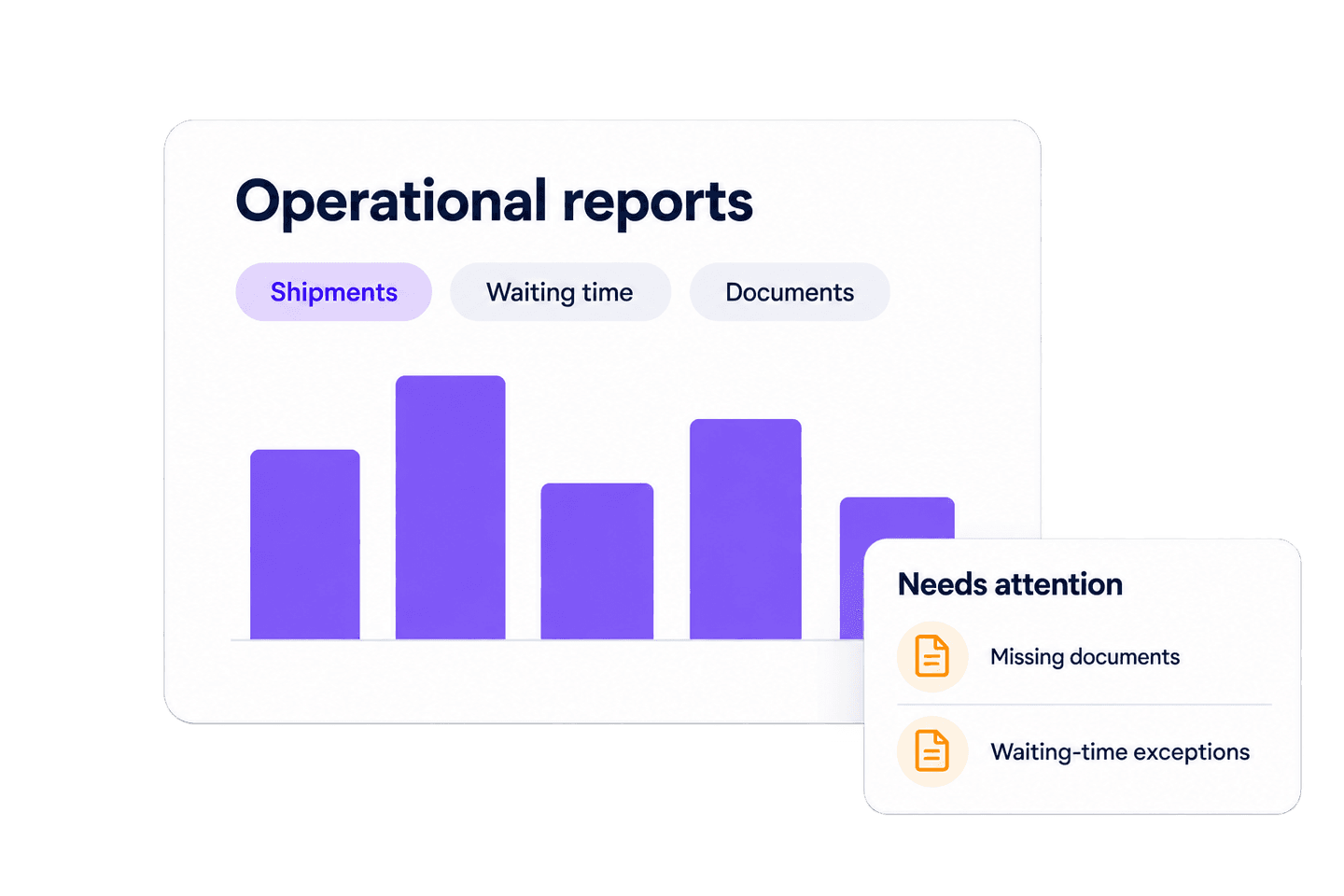
Review what still needs attention.
Use shipment and document reports to identify gaps in the operational record. Where tracking is configured, waiting-time information can add context to delivery exceptions.
- Shipment reporting
- Document completeness
- Waiting-time review where available
From first step to follow-up
How the workflow connects.
Explore these steps with your own operating process in a guided demo.
- 01
Organise shipments
Review the distribution work and assign runs.
- 02
Coordinate the day
Connect dispatch and drivers through assigned work.
- 03
Reconcile delivery records
Review documents and investigate exceptions.
Does this replace warehouse stock management?
These pages describe transport planning, drivers, tracking and delivery documents. Warehouse inventory control and automatic stock replenishment are not promised.
Can we connect our existing business system?
Review your required workflow against the existing merchant API documentation. A specific ERP or warehouse connection needs to be confirmed separately.
Are uploaded delivery notes automatically verified?
No. Uploaded and imported records require review, including checking the shipment association.
Keep your operation connected
Explore more features
Join thousands of satisfied customers using Spaces Digital
Bring your workflow. Explore how Spaces connects your planning, drivers and delivery documents in a 30-minute demo.
Book a demo