Driver app
Connect the driver’s day with the office.
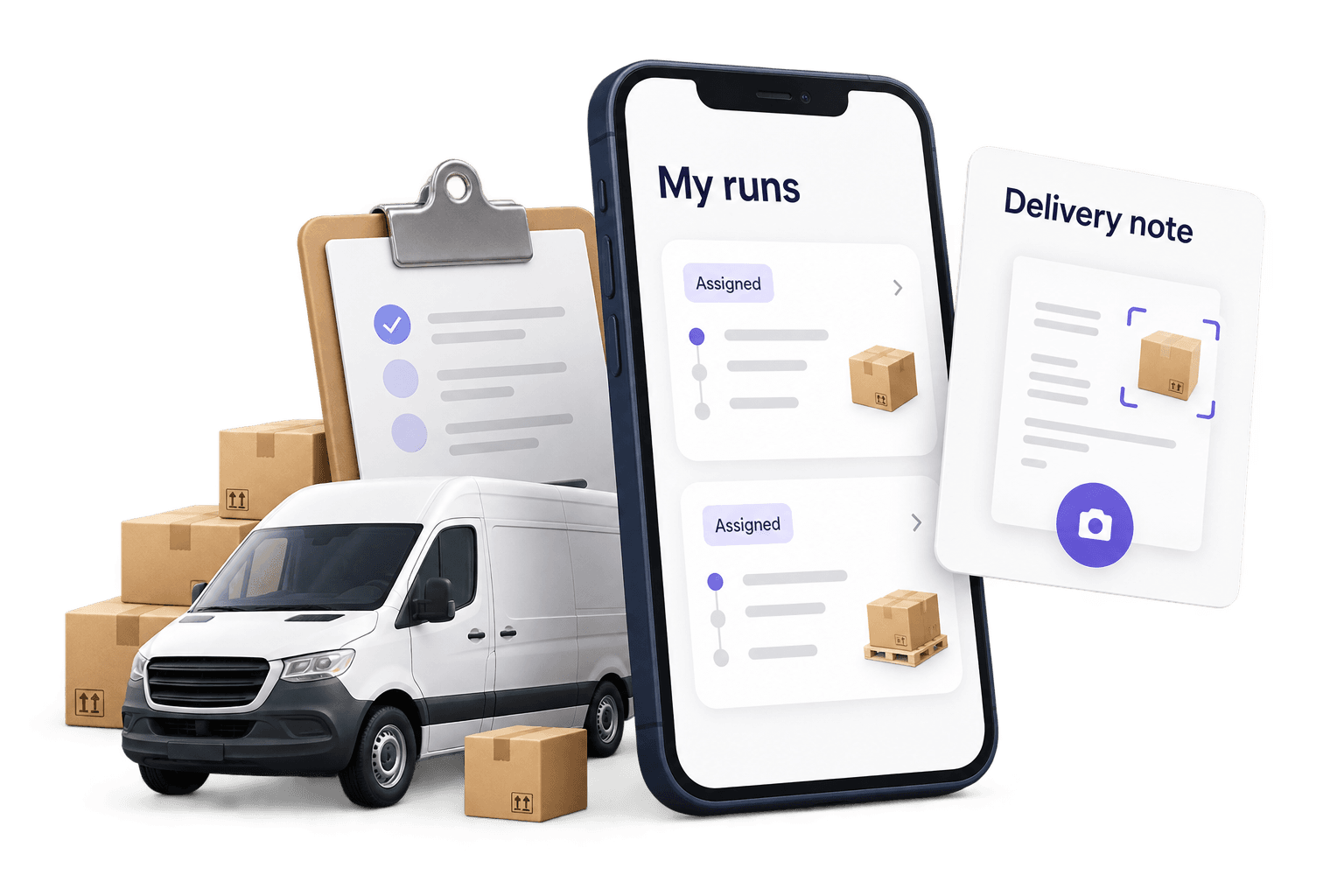
Give drivers access to assigned runs and a way to upload delivery notes. Keep field activity connected to the records your operations team reviews.
A clearer way to work
Paperwork should stay connected to the job.
A delivery note sent separately from the run creates another piece of information for the office to reconcile. Spaces connects driver uploads with the delivery-document workflow.
Assigned work
Drivers can access the runs assigned to them.
Field uploads
Delivery-note uploads bring paperwork into the system.
Office review
Uploaded records feed the document review workflow.
Driver app / 01
Start with the assigned run.
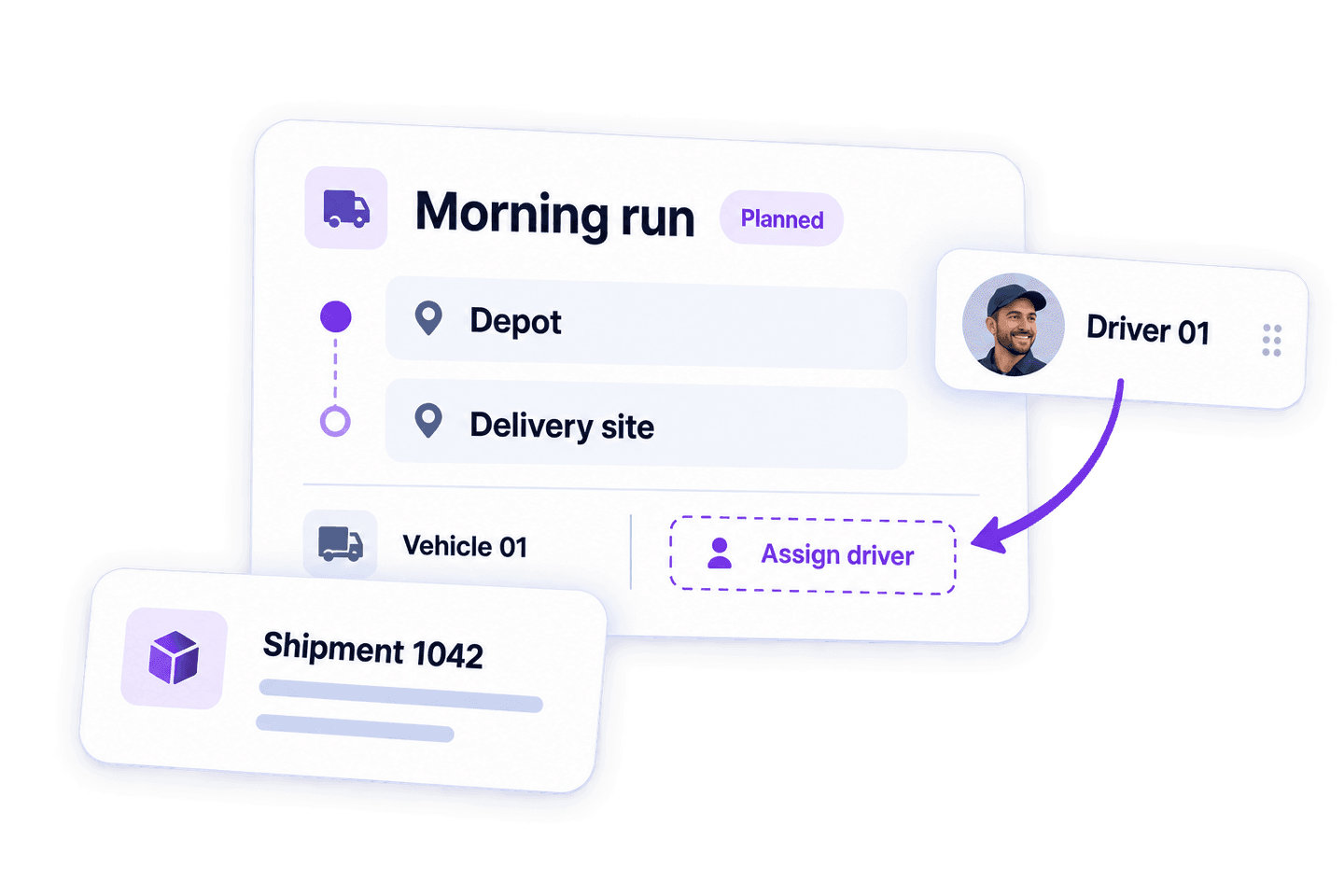
Keep the driver’s operational work connected to the run planned by dispatch. Use the demo to walk through the current mobile experience with your team’s working practices.
- Assigned runs
- Driver-facing mobile workflow
- Connection to dispatch planning
Driver app / 02
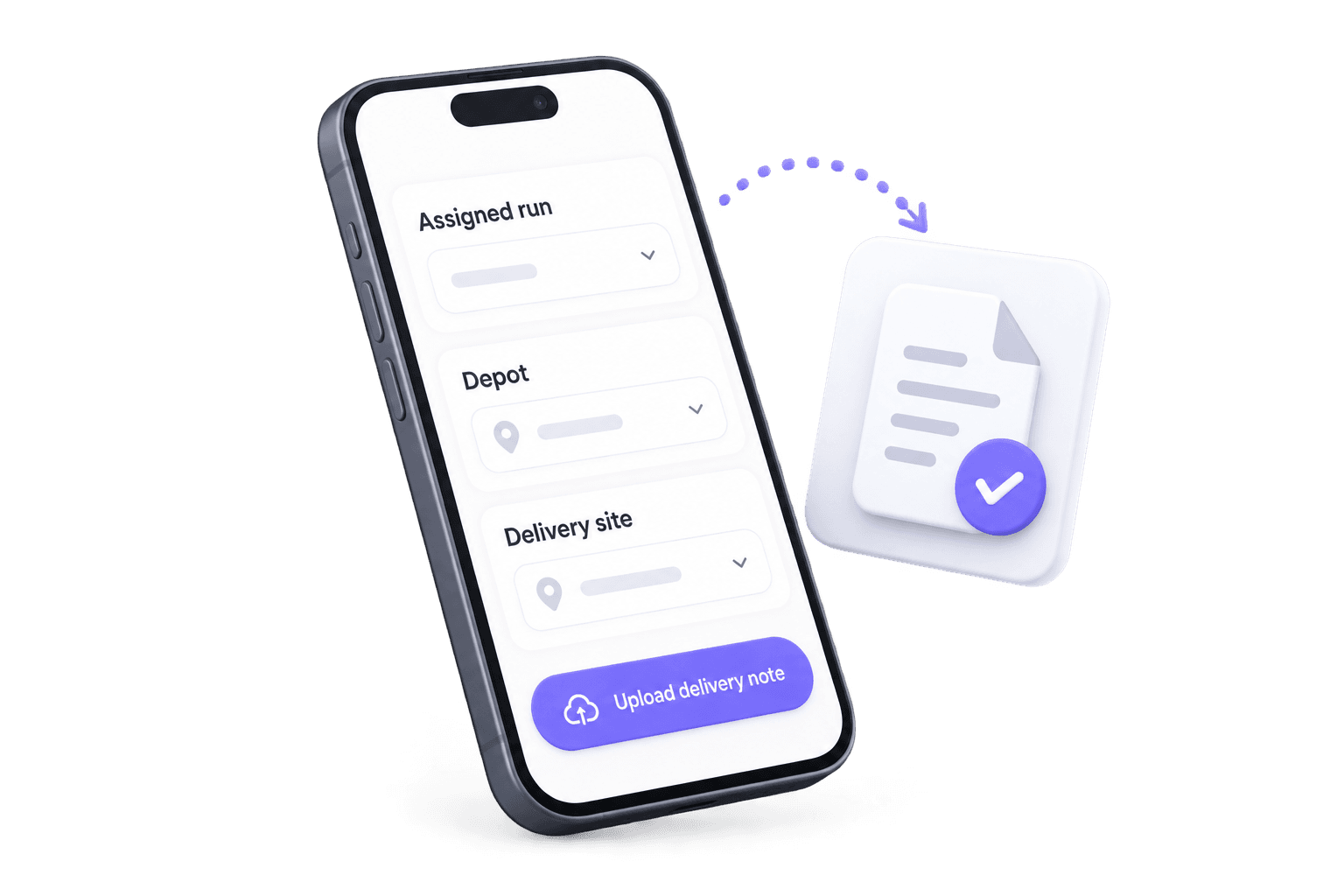
Bring delivery notes back into the workflow.
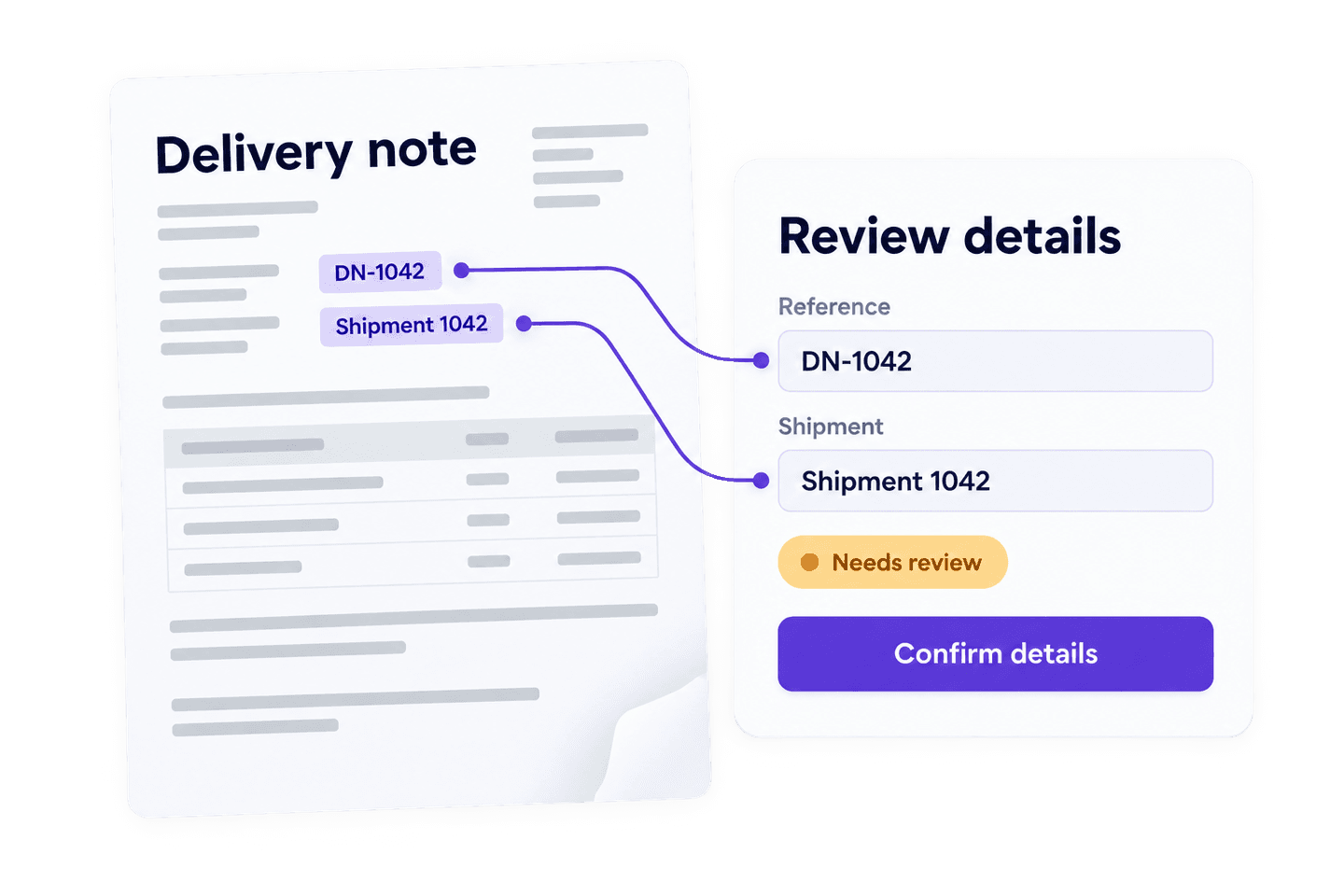
Drivers upload delivery notes for the office to review. The review process matters: an uploaded image is not the same as a checked and correctly associated shipment record.
- Delivery-note uploads
- Document review
- Shipment association after review
From first step to follow-up
How the workflow connects.
Explore these steps with your own operating process in a guided demo.
- 01
Assign the run
Dispatch coordinates the driver’s planned work.
- 02
Open assigned work
The driver accesses the relevant run in the app.
- 03
Upload and review
Delivery-note uploads enter the office review workflow.
Does this include electronic signatures?
This page describes delivery-note uploads. A separate electronic-signature capability has not been verified and is not included in this claim.
Does the app work offline?
Offline operation is not promised here. We will demonstrate the current mobile workflow and discuss connectivity requirements for your operating environment.
Can we see the app before deciding?
Yes. Book a demo and ask to walk through assigned runs, delivery-note uploads and the corresponding office review process.
Keep your operation connected
Explore more features
Join thousands of satisfied customers using Spaces Digital
Bring your workflow. Explore how Spaces connects your planning, drivers and delivery documents in a 30-minute demo.
Book a demo