Fleet tracking
Put vehicle movements in operational context.
Follow connected vehicle positions and review recorded journeys alongside the work your fleet is carrying out. Give dispatchers a clearer starting point for investigating exceptions.
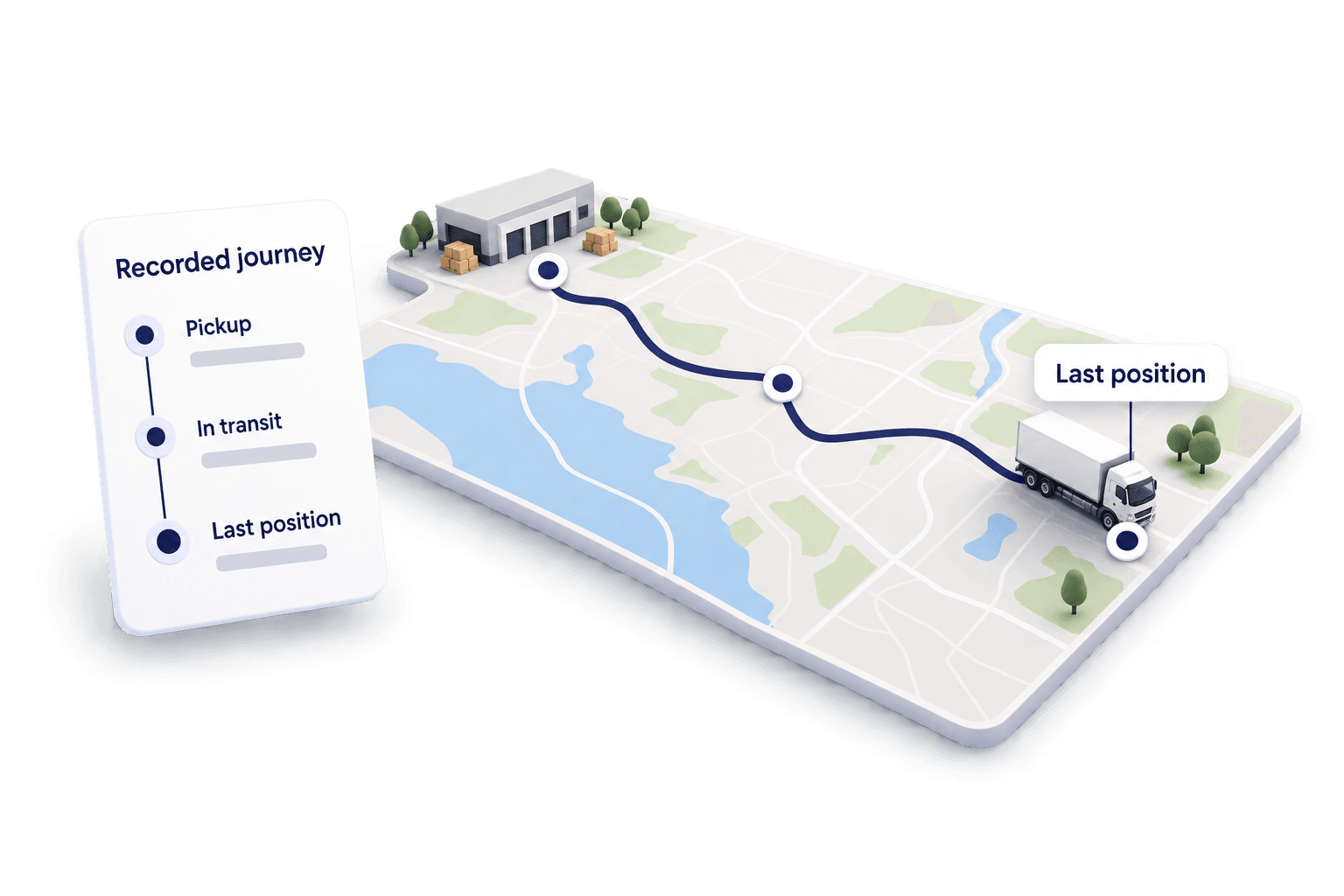
A clearer way to work
A position on a map is only part of the story.
Dispatchers need to connect vehicle movements with the run, the shipment and the places where work happens. Spaces brings available tracking information into the operational workflow.
Fleet visibility
See positions supplied by connected tracking providers.
Journey context
Review recorded movement when investigating a run.
Focused follow-up
Use location and reporting context to investigate exceptions.
Fleet tracking / 01
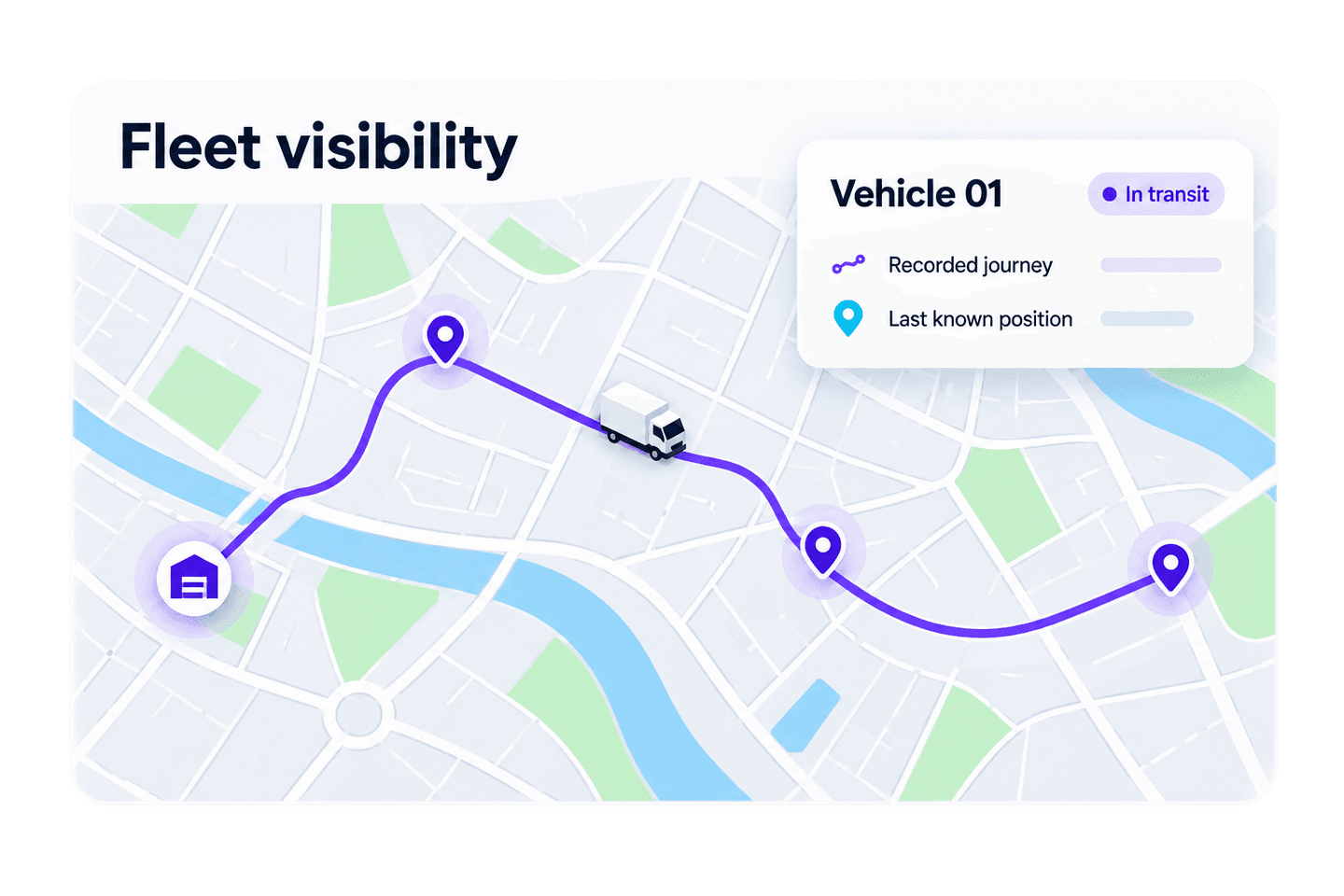
See the fleet through your connected provider.
Use available vehicle information to support dispatch decisions. The freshness and detail of positions depend on your provider, connection and reporting frequency.
- Connected vehicle positions
- Operational monitoring
- Provider-dependent data availability
Fleet tracking / 02
Review the journey behind an exception.
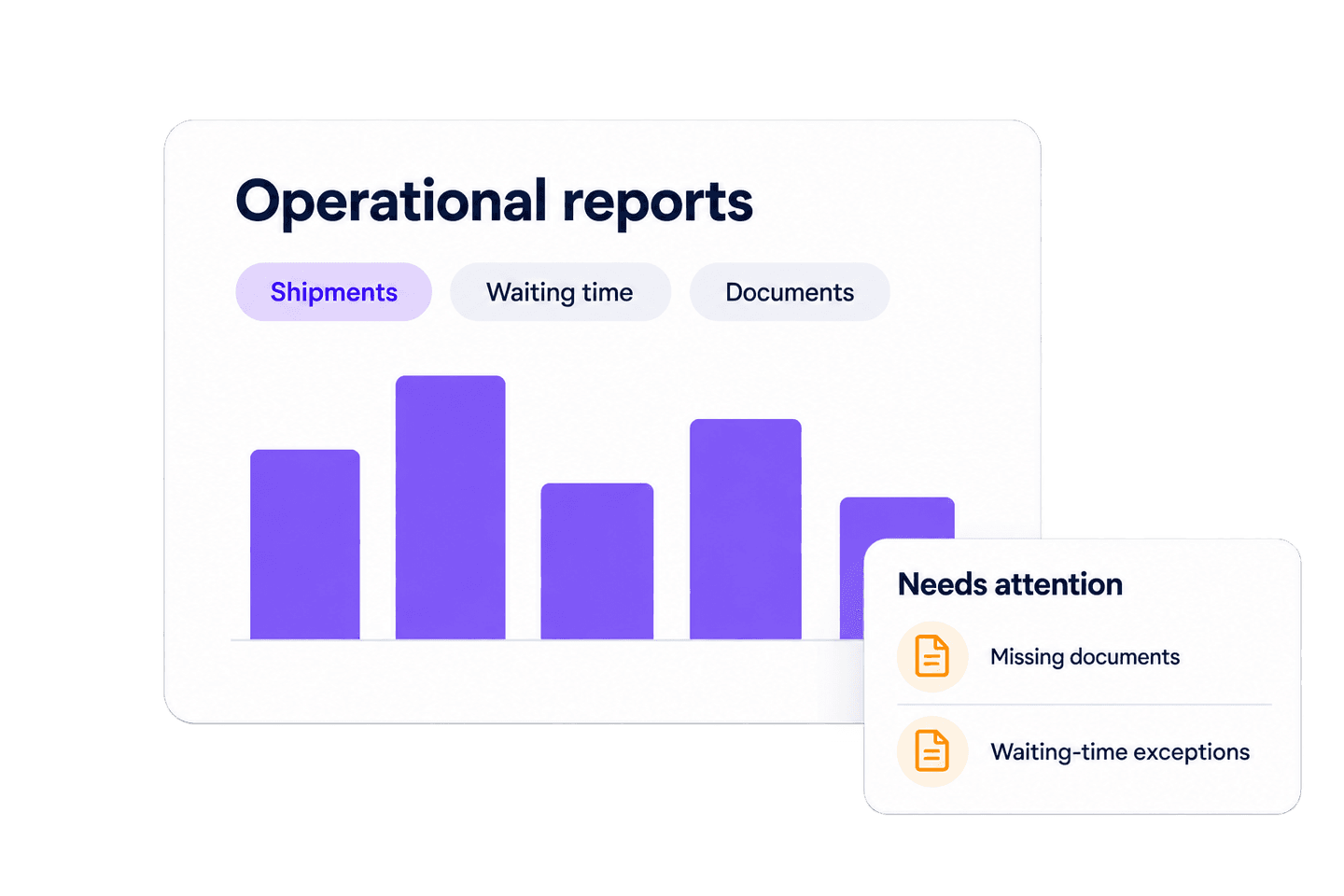
Recorded journeys provide context for follow-up. Combine the movement record with available waiting-time and speeding reports when reviewing what needs attention.
- Recorded journey review
- Waiting-time context
- Speeding reports where data is available
From first step to follow-up
How the workflow connects.
Explore these steps with your own operating process in a guided demo.
- 01
Confirm the connection
Review your tracking provider and vehicle setup.
- 02
Follow available positions
Use connected vehicle data in operational monitoring.
- 03
Investigate an exception
Review recorded movement and related reports.
Will every vehicle update in real time?
Update frequency and completeness depend on the tracking provider and connection. Spaces cannot display positions that the provider has not supplied.
Which provider should we discuss in the demo?
Bring the name of your current tracking provider and the vehicles you want to connect. Spaces includes integrations for MiX/Powerfleet and Fleetboard; compatibility and configuration need to be confirmed for your deployment.
Does a location event prove delivery?
No. A vehicle visit gives location context. Delivery documents and operational review remain separate parts of the workflow.
Keep your operation connected
Explore more features
Join thousands of satisfied customers using Spaces Digital
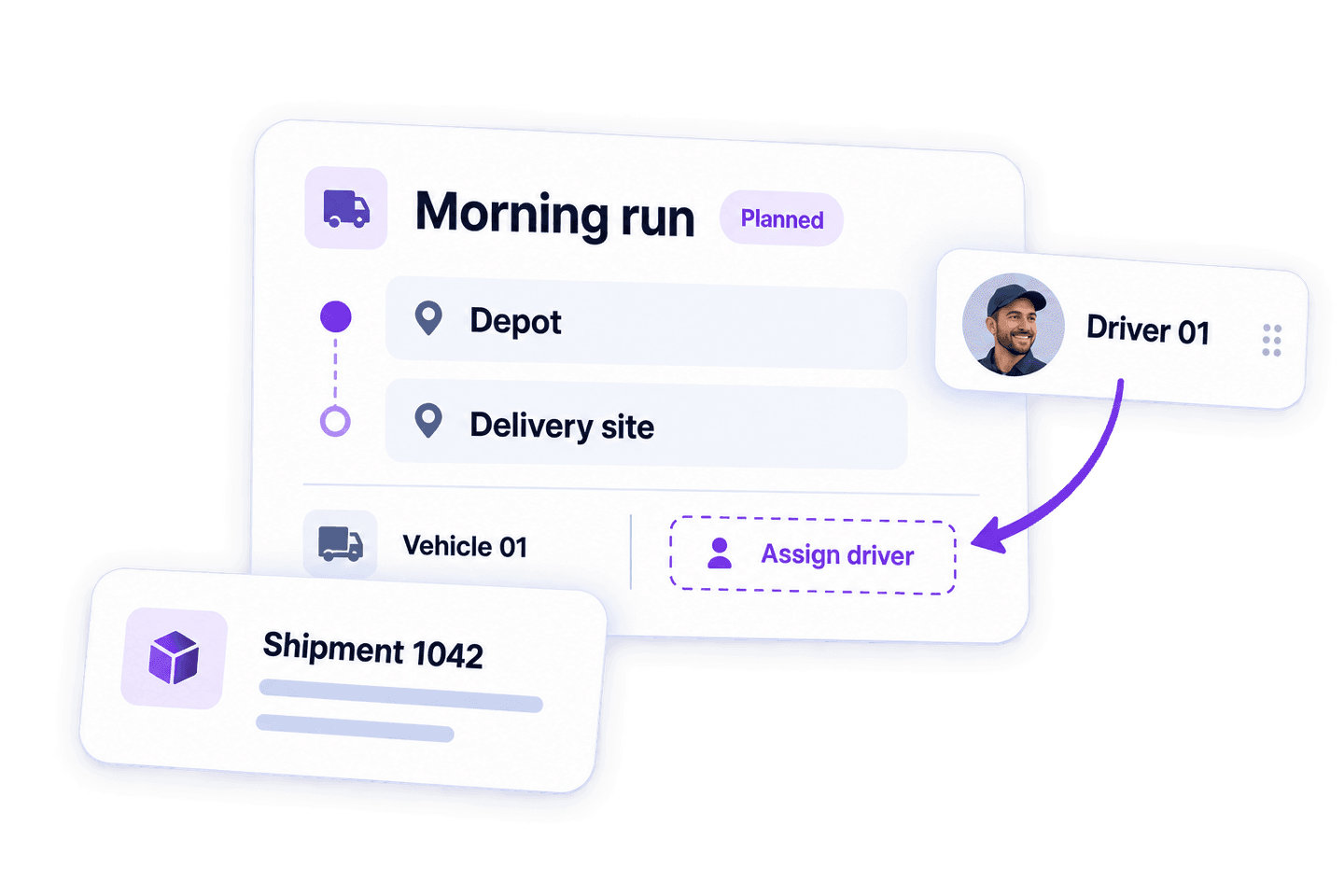
Bring your workflow. Explore how Spaces connects your planning, drivers and delivery documents in a 30-minute demo.
Book a demo