Scheduling & runs
Give every shipment a place in the plan.
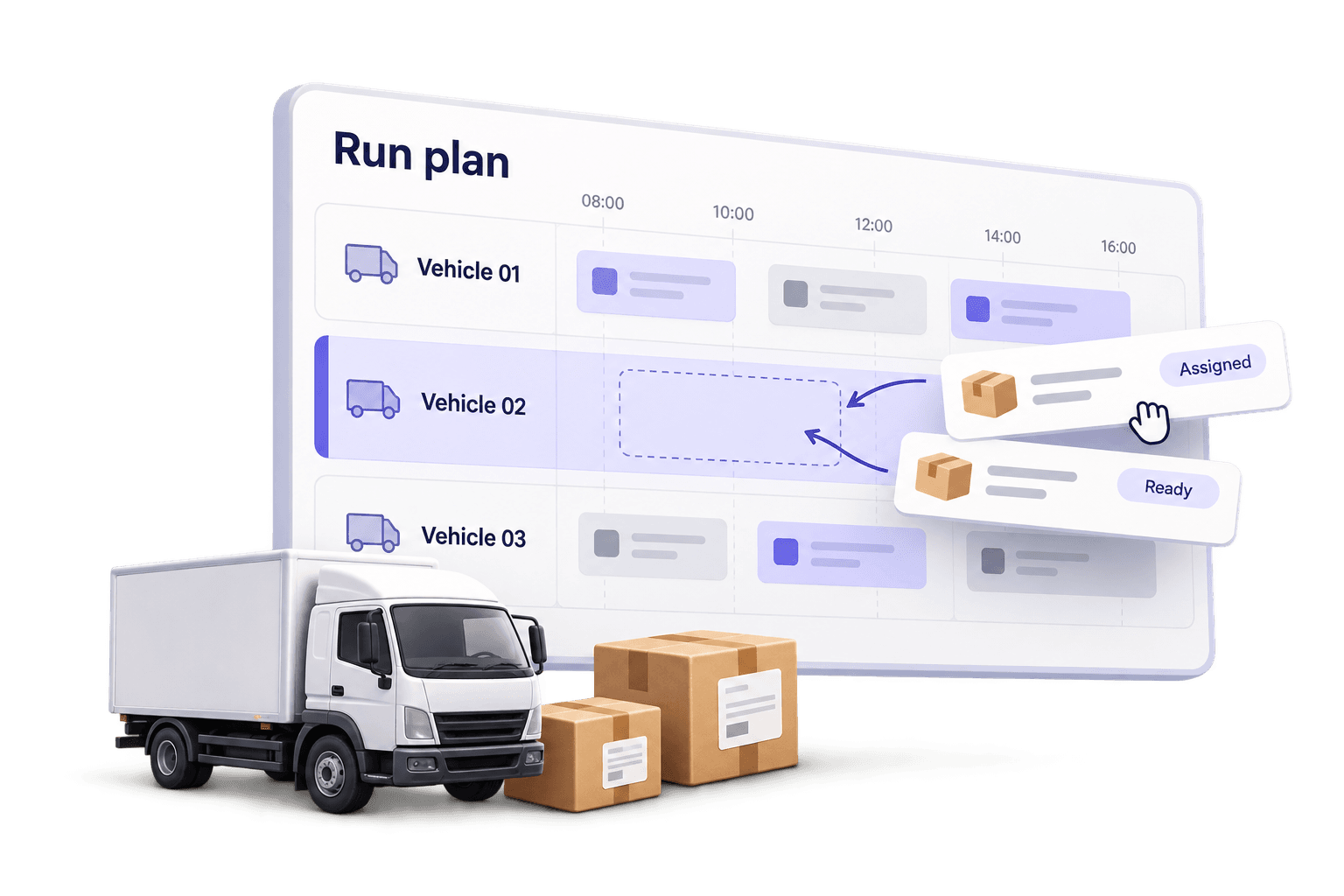
Bring shipments, vehicles and drivers into a shared run schedule. Help your dispatch team see the work ahead and keep assignments connected to execution.
A clearer way to work
A dispatch plan needs more than a spreadsheet.
When assignments sit in separate lists, it takes extra effort to understand which vehicle is doing the work and what still needs attention. Spaces brings those operational records together around the run.
Clear assignments
Associate shipments with runs and their assigned resources.
A shared schedule
Give the team a common view of planned operational work.
Connected oversight
Follow a run from planning into its operational records.
Scheduling & runs / 01
Build the run around the work.
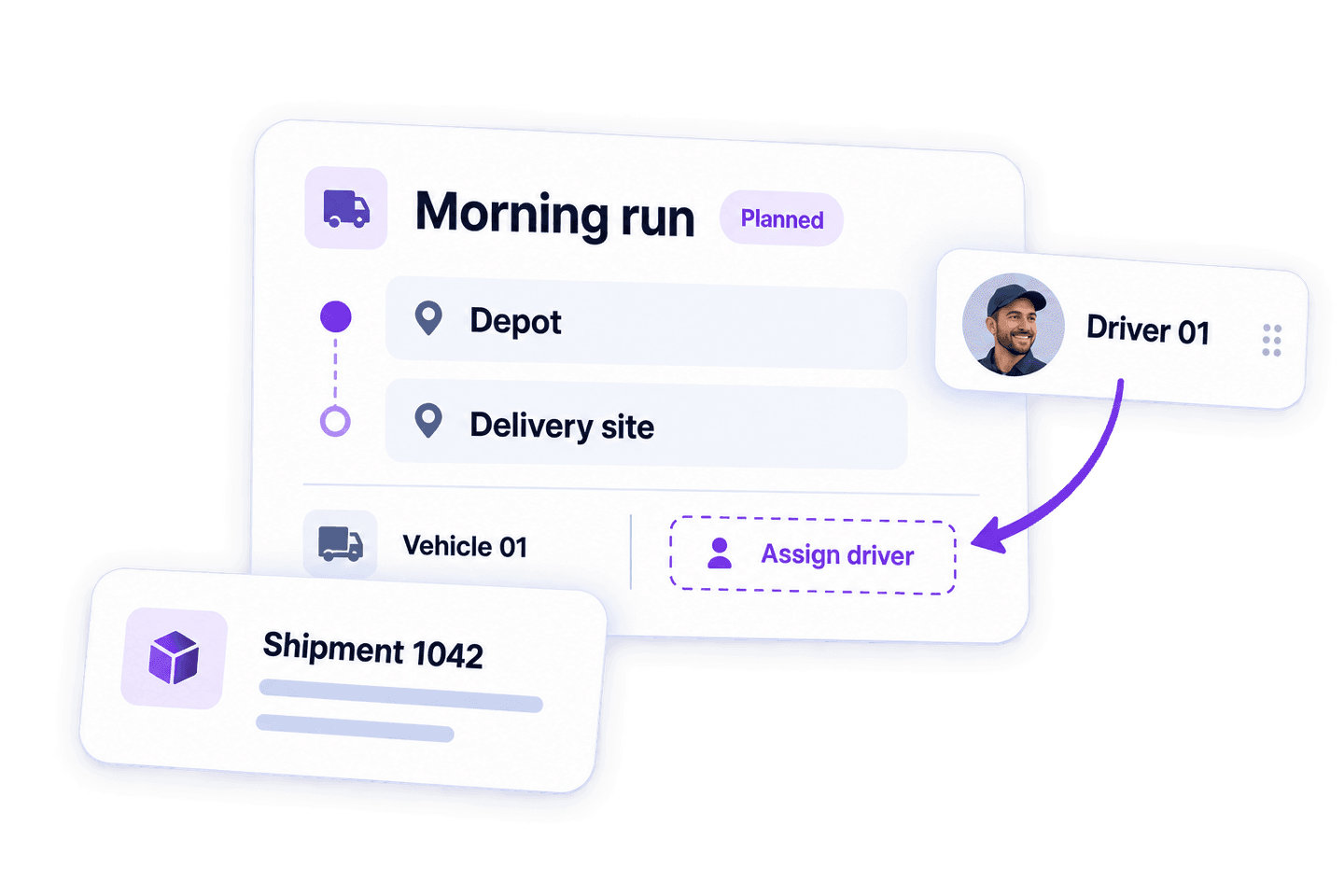
Start with shipments and organise them into runs. Review the planned work together with the vehicle and driver assignments before dispatch.
- Shipment-to-run assignment
- Driver and vehicle coordination
- Schedules and planned work
Scheduling & runs / 02
Keep the plan connected to the road.
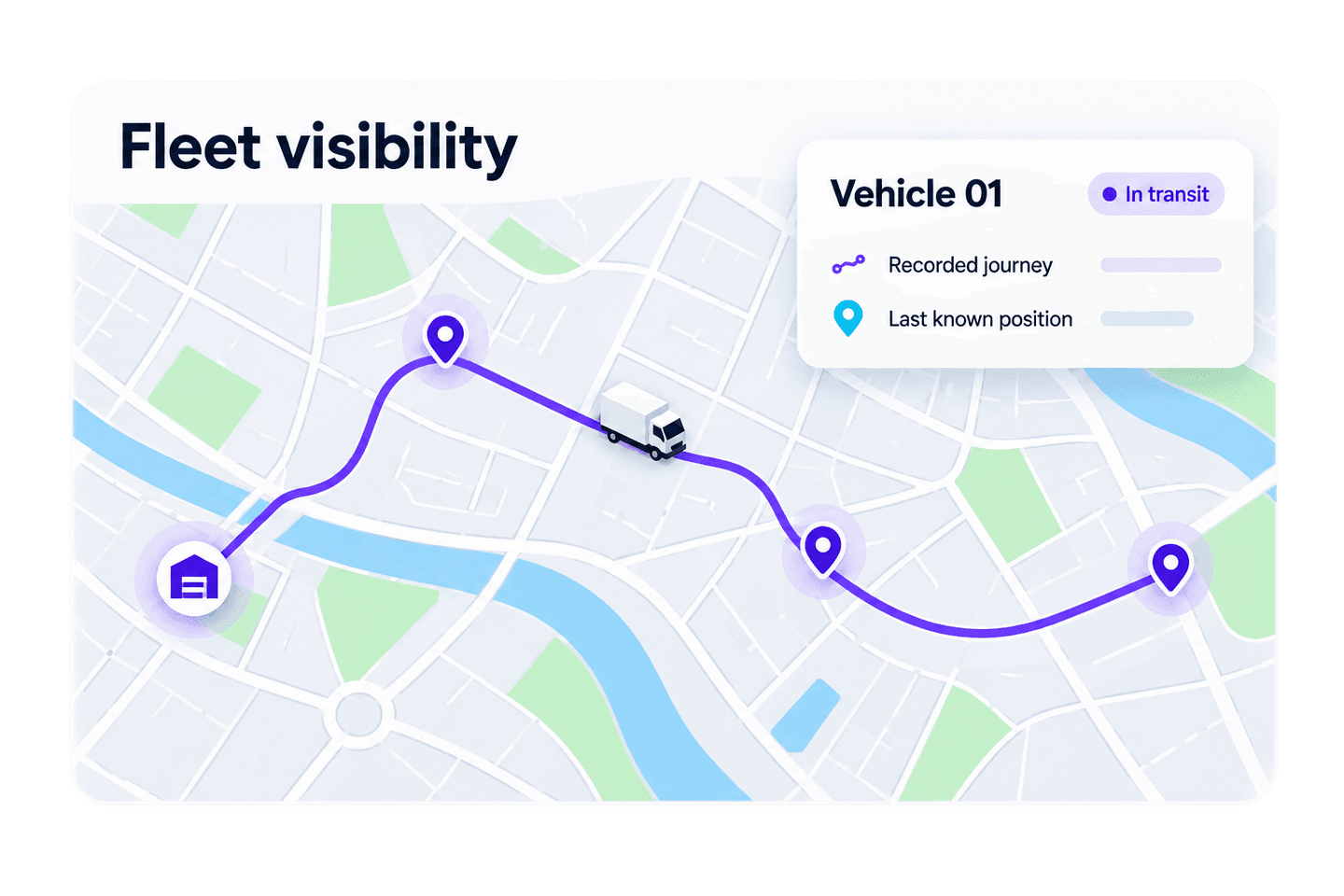
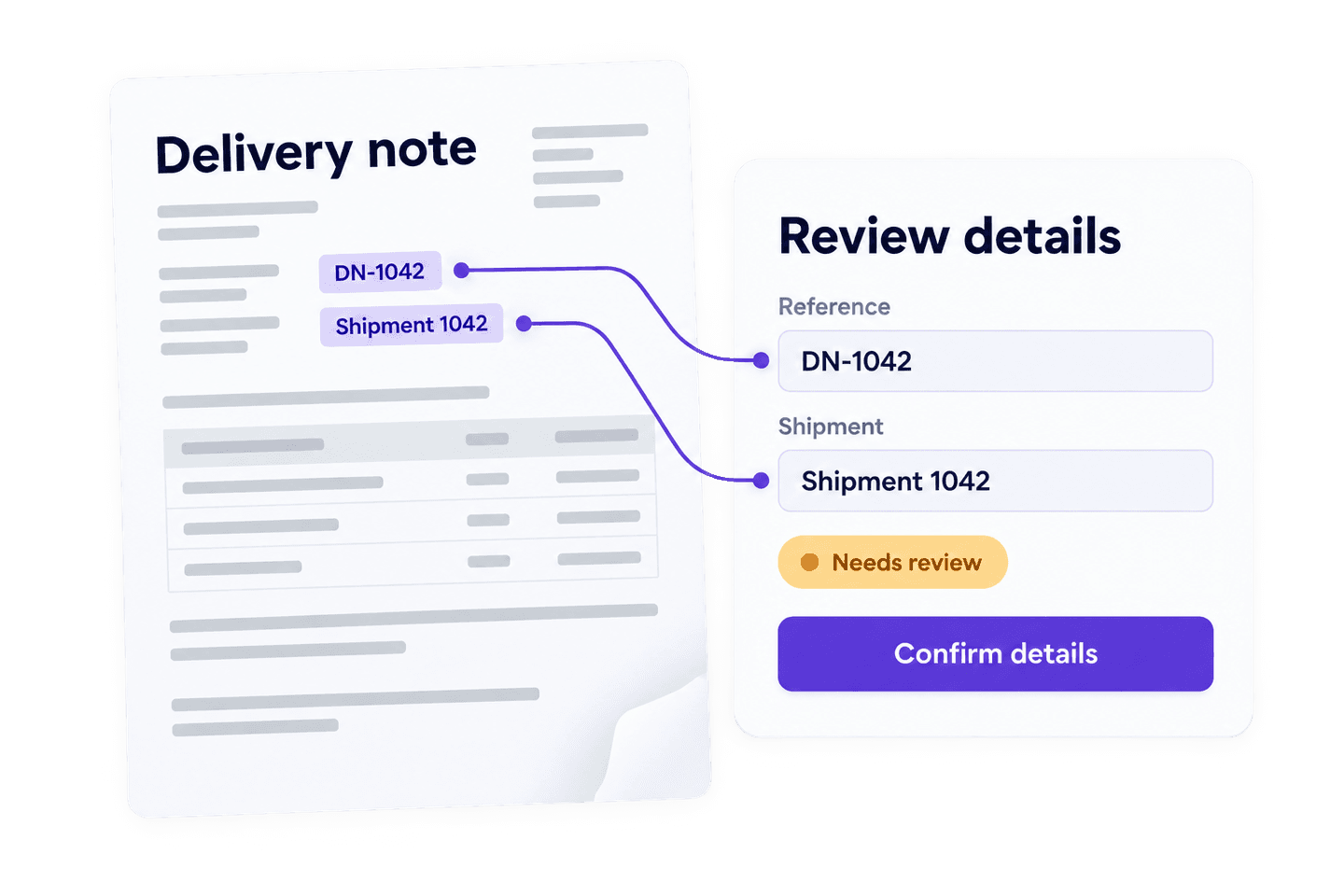
Planning and execution belong in the same workflow. Use run records alongside available tracking and delivery documents to understand what happened after dispatch.
- Run-level operational context
- Connected vehicle visibility where configured
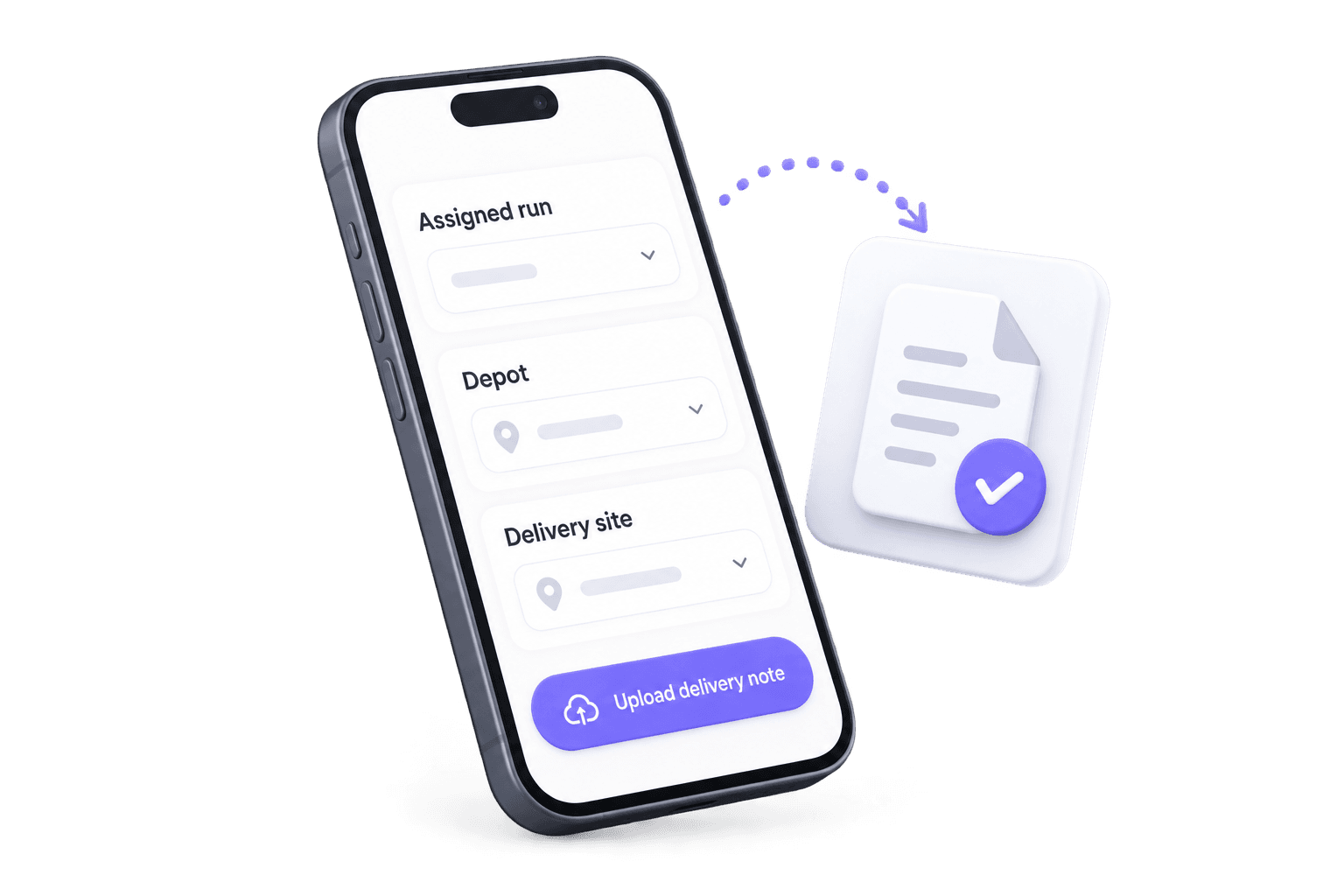
- Related delivery records
From first step to follow-up
How the workflow connects.
Explore these steps with your own operating process in a guided demo.
- 01
Review shipments
Identify the work that needs to be scheduled.
- 02
Organise the run
Coordinate shipments, a vehicle and a driver.
- 03
Follow the work
Use operational records to review progress and exceptions.
Does Spaces automatically optimise routes?
This page describes route planning, scheduling and run management. Automatic route optimisation is not a verified capability being offered here.
Can we use our own operational workflow?
Bring a typical day’s shipments and dispatch process to the demo. We can show how the existing assignment and run workflows fit your operation.
Do we need a tracking integration?
Tracking is a separate connected capability. Vehicle visibility depends on an appropriate provider integration and the data it supplies.
Keep your operation connected
Explore more features
Join thousands of satisfied customers using Spaces Digital
Bring your workflow. Explore how Spaces connects your planning, drivers and delivery documents in a 30-minute demo.
Book a demo